1
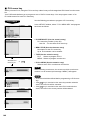
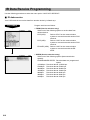
■ Department
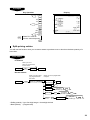
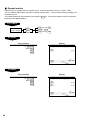
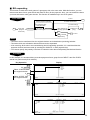
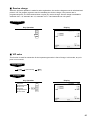
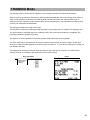
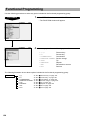
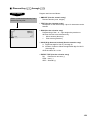
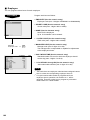
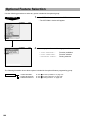
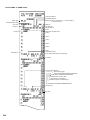
Your POS terminal is equipped with 10 standard departments.
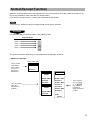
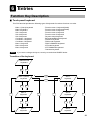
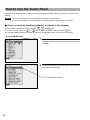
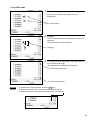
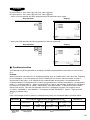
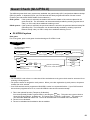
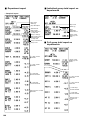
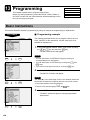
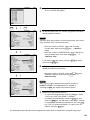
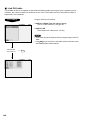
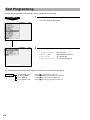
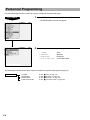
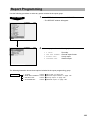
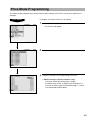
Use the following procedure to program for departments.
Procedure
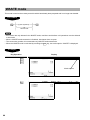
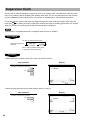
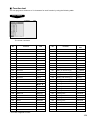
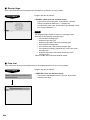
Select a pertinent dept. code from
the departments list.
▼
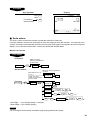
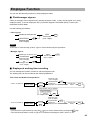
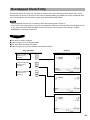
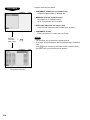
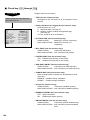
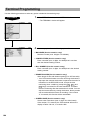
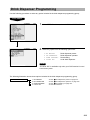
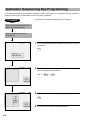
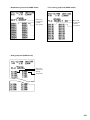
Program each item as follows:
NOTE
For more information about the entry patterns, see the “Basic
Instructions” section.
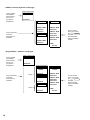
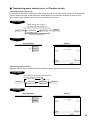
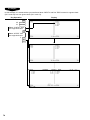
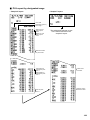
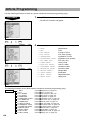
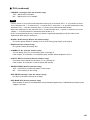
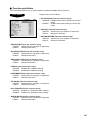
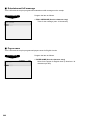
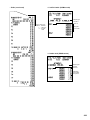
• PRICE (Use the numeric entry)
Unit price (max. 6 digits)
• GROUP No. (Use the numeric entry)
01-09:
Plus department
10:
Minus department
11:
Plus hash department
12:
Minus hash department
15-17:
Non-turnover 1-3
• If the “Hash” and “non-turnover” functions are disabled, you
are not allowed to select any hash or non-turnover
department.
▼
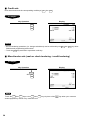
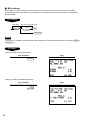
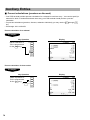
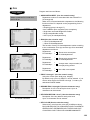
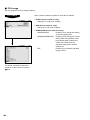
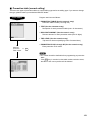
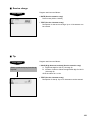
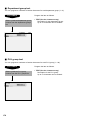
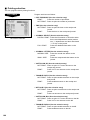
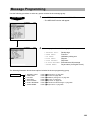
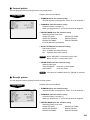
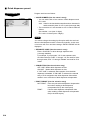
• DESCRIPTION (Use the character entry)
Description for a department. Up to 16 characters can be
entered.
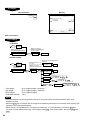
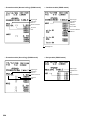
• KEY DESCRIPTION (Use the character entry)
Description of the key label for a department.
Up to 16 characters can be entered.
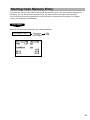
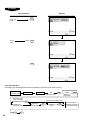
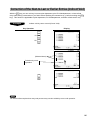
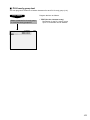
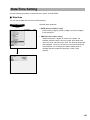
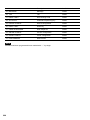
The screen continues.
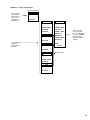
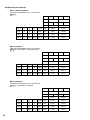
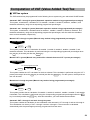
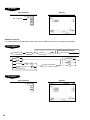
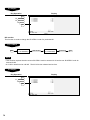
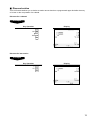
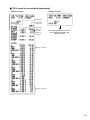
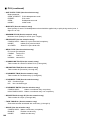
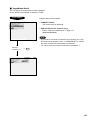
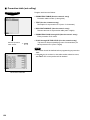
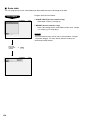
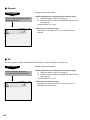
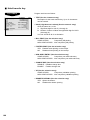
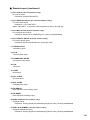
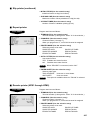
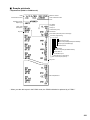
• KEY COLOR (Use the selective entry)
Select a key color from the colors list (16 different colors).
BLACK/BLUE/LIGHT BLUE/MAGENTA/LIGHT MAGENTA/
GREEN/LIGHT GREEN/RED/LIGHT RED/CYAN/LIGHT
CYAN/GRAY/LIGHT GRAY/YELLOW/BROWN/WHITE
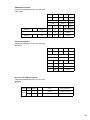
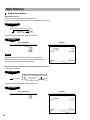
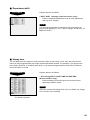
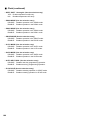
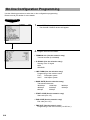
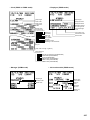
• ITEM VP (Use the selective entry)
COMPULSORY:
Makes item validation printing
compulsory.
NON-COMPULSORY: Makes item validation printing noncompulsory.
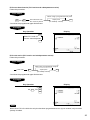
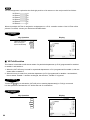
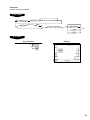
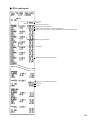
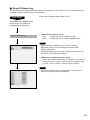
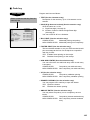
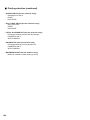
• TARE TABLE No. (Use the numeric entry)
Scale table number associated with scale entry (1 through 9).
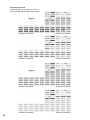
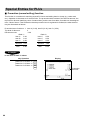
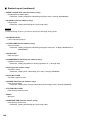
• SCALE (Use the selective entry)
COMPULSORY: Makes a scale entry compulsory.
ENABLE:
Enables a scale entry.
INHIBIT:
Inhibits a scale entry.
137