1
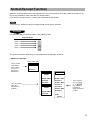
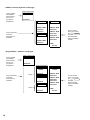
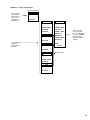
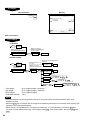
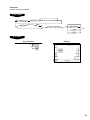
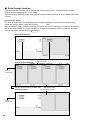
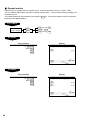
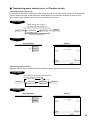
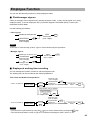
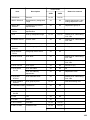
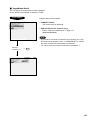
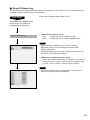
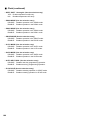
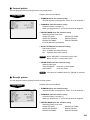
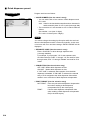
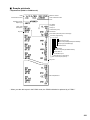
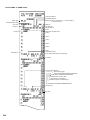
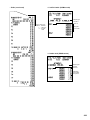
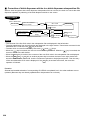
■ Stacked report (continued)
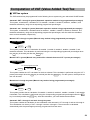
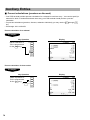
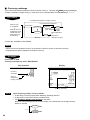
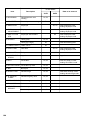
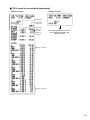
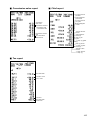
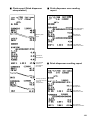
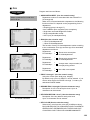
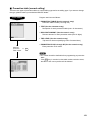
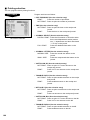
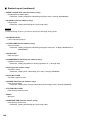
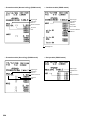
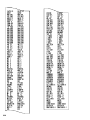
• 28 EMP. ACTIVE STS. (Use the numeric entry)
Employee active status report
Parameter: Starting employee code/ending employee code (1 through 9999999999)
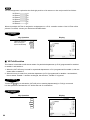
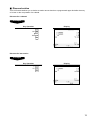
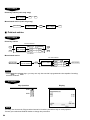
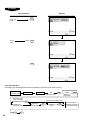
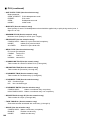
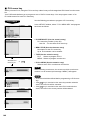
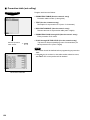
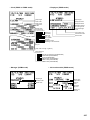
• 29 HOURLY (Use the numeric entry)
Hourly report
Parameter: Starting time/ending time (0 through 2345)
NOTE
To take the hourly Z report, you have to specify the full-range hourly report.
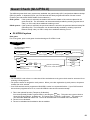
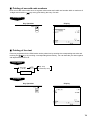
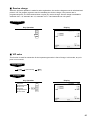
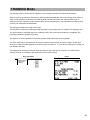
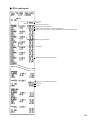
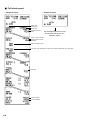
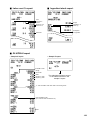
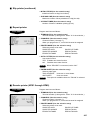
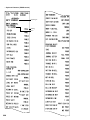
• 30 LABOR COST%
Labor cost percent report
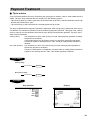
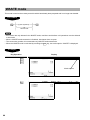
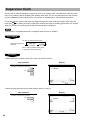
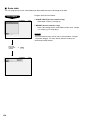
• 31 OVER TIME (Use the numeric entry)
Over time report
Parameter: Starting employee code/ending employee code (max. 10 digits: 0000000001 to
9999999999)
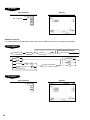
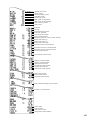
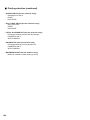
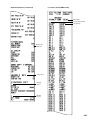
• 32 DAILY NET
Daily net report
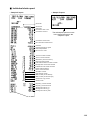
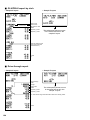
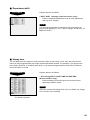
• 33 INGREDIENT STOCK (Use the numeric entry)
Ingredient stock report
Parameter: Starting ingredient no./ending ingredient no. (1 through 999)
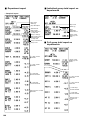
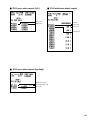
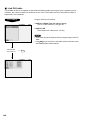
• 34 GLU (Use the numeric entry)
GLU/PBLU report
Parameter: Starting GLU code/ending GLU code (1 through 99999999)
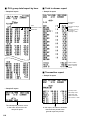
• 35 GLU BY CLERK
GLU/PBLU report by clerk
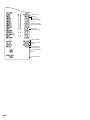
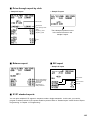
• 36 DRIVE THRU (Use the numeric entry)
Drive-through report
Parameter: Starting drive-through code/ending drive-through code (1 through 99999999)
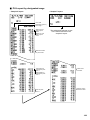
• 37 D-THRU BY CLERK
Drive-through report by clerk
• 38 BILL
Bill report
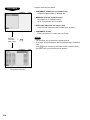
• 39 SERVICE TIME (Use the numeric entry)
Drive-through service time
Parameter: Starting time/ending time (0 through 2300)
198