1
mx4100_us_qck.book
93 ページ
2008年8月1日 金曜日 午前11時0分
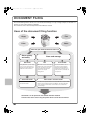
CONVENIENT SCANNER FUNCTIONS
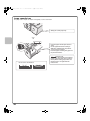
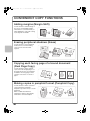
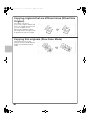
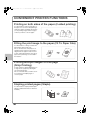
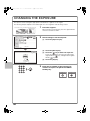
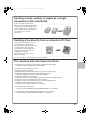
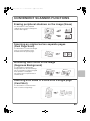
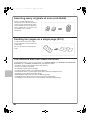
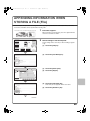
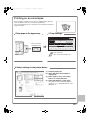
Erasing peripheral shadows on the image (Erase)
Use this function to erase peripheral
shadows that occur when scanning books
and other thick originals.
Scan
Without erase
Scan
With erase
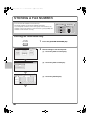
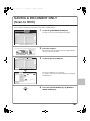
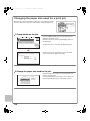
Scanning an original as two separate pages
(Dual Page Scan)
Use this function to scan the left and right
pages of an open pamphlet or other
bound document as separate pages.
Scan
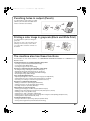
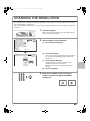
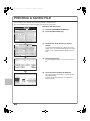
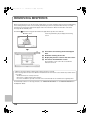
Whitening faint colors in the image
(Suppress Background)
Use this function to suppress light
background areas in the scanned image.
This is convenient for scanning an original
that is printed on colored paper.
This function does not operate in black
and white mode.
Scan
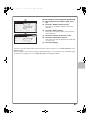
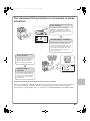
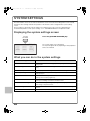
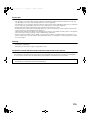
Scanning both sides of a card onto a single page
(Card Shot)
Use this function to scan the front and
back of a card as a single image.
Front
Scan
Back
93