1
mx4100_us_qck.book
74 ページ
2008年8月1日 金曜日 午前11時0分
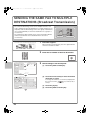
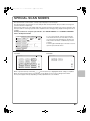
SPECIAL FAX MODES
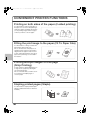
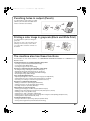
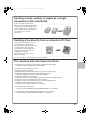
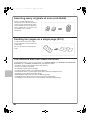
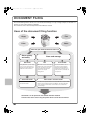
The special modes can be used for a variety of special-purpose fax transmission jobs.
The following pages show the types of fax transmissions that can be performed. (The procedures for using each
special mode are not explained.)
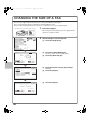
Each special mode has its own settings and steps, however, the basic procedure is the same for all modes. The
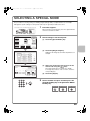
basic procedure for selecting a special mode is explained on the next page using "Erase" as an example.
For the procedures for using the special modes, see "SPECIAL MODES" in "4. FACSIMILE" in the
Operation Guide.
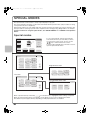
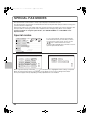
Special modes
Scan
Internet Fax
Address Book
Original
Fax
Scan:
Direct TX
Exposure
Auto
Sub Address
Resolution
Standard
Address Review
Special Modes
USB Mem. Scan
Auto
8½x11
Send:
PC Scan
Auto
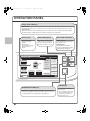
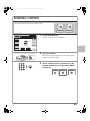
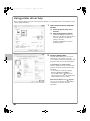
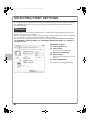
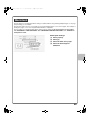
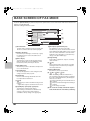
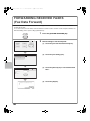
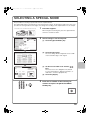
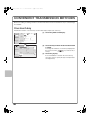
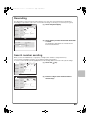
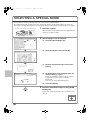
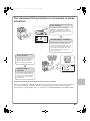
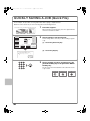
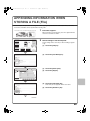
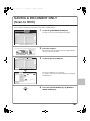
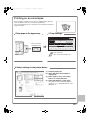
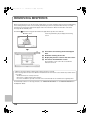
To use a special mode, open the special modes
menu and touch the key of mode that you wish to
use. The menu consists of two screens. Use the
keys to switch between the screens.
Touch the [Special Modes] key in the base screen to
open the special modes menu.
File
Quick File
Auto Reception
Fax Memory:100%
Preview
1st screen
2nd screen
OK
Fax/Special Modes
Program
Erase
Dual Page
Scan
OK
Fax/Special Modes
Verif.
Stamp
Transaction
Report
1
Timer
Job
Build
Original
Count
2in1
Mixed Size
Original
File
Card Shot
2
2
Own Name
Select
Memory Box
Polling
2
Slow Scan
Mode
Quick File
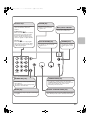
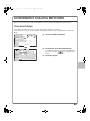
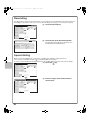
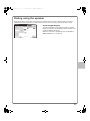
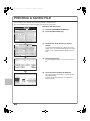
When a special mode key encircled by
is touched, the key is highlighted and the setting is completed.
When any other special mode key is touched, a screen appears to let you select settings for that mode.
The keys that appear will vary depending on what peripheral devices are installed.
74