1
SHR-2040/2041/2042-ENG-2
10/19/07
10:37 AM
Page 9-49
SHR-2040/2041/2042 USER’S MANUAL
●
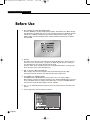
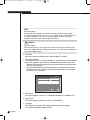
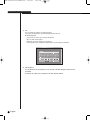
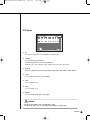
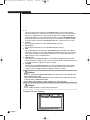
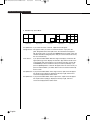
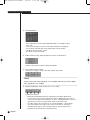
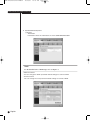
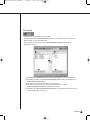
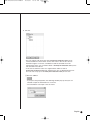
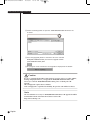
Sequence Time
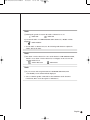
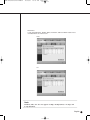
- When connecting with SHR-2040/2041/2042 in the monitoring mode, set the
auto sequence time if the auto sequence is set. The time can be set from 10 to
20 minutes.
●
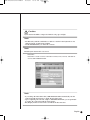
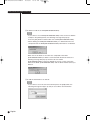
OSD Display
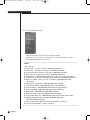
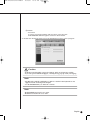
- Sets if OSD shall be displayed on each channel of Smart Viewer.
- Whether you check “Enable” or not, OSD will appear or not.
However, Audio icon, PTZ icon, REC icon, and Alarm/Motion event icon will not
be affected by the OSD condition.
●
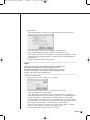
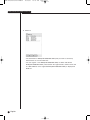
Callback Connection
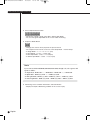
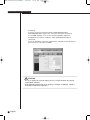
- Sets the port for Callback connection.
●
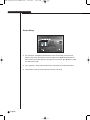
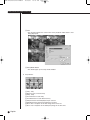
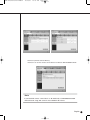
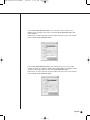
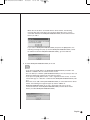
Auto Connection
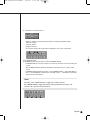
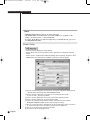
- Sets if the smart viewer is automatically connected to SHR-2040/2041/2042 or
site at the initial operation.
- If you check “Auto Connection Enable”, the names of SHR-2040/2041/2042 and
Site currently registered at the DVR/Site list will be displayed in the following list.
If you select one from the list, the smart viewer will connect to the selected
SHR-2040/2041/2042 or Site when it operates later.
●
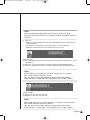
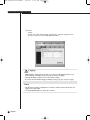
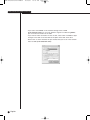
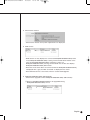
Language
- Sets the language used in the SmartViewer.
9-49
English