1
SHR-2040/2041/2042-ENG-1013
10/19/07
10:23 AM
Page 2-5
SHR-2040/2041/2042 USER’S MANUAL
[How to Add a HDD]
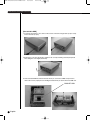
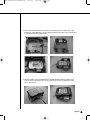
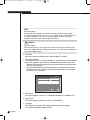
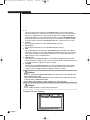
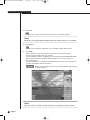
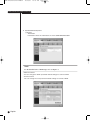
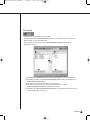
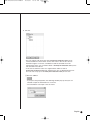
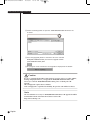
1. To remove the product’s cover, take out the screws on the left and right sides (2 spots each)
and on the back (3 spots).
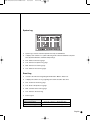
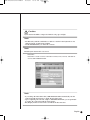
2. Remove the cover from the product. (Remove the cover by first lifting its back part upward
after sliding the cover slightly backward.)
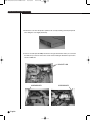
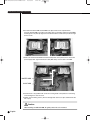
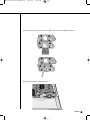
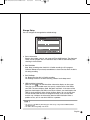
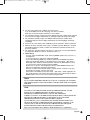
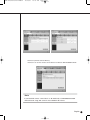
3. There is bracket-HDD mounted on the back where you can mount a HDD, and you have to
remove the screws (4 spots) that are holding the bracket that you want to mount an HDD onto.
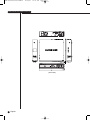
BRACKET-HDD
2-5
English