1
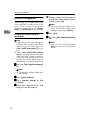
Connecting and Setting Up
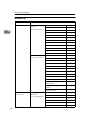
Interface
IEEE 802.11b
(wireless LAN)
Settings
Interface Settings/
Network
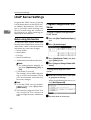
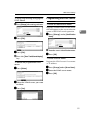
See p.37 “Network”.
2
Interface Settings/
IEEE 802.11b *3
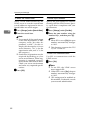
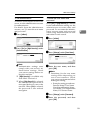
See p.41 “IEEE
802.11b”.
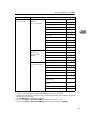
*1
*2
*3
20
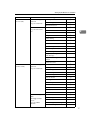
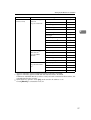
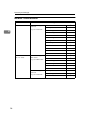
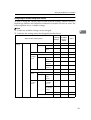
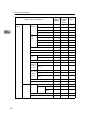
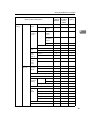
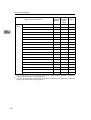
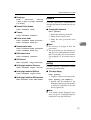
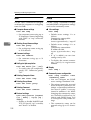
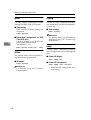
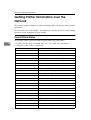
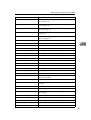
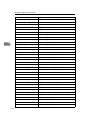
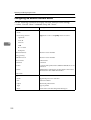
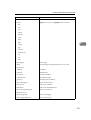
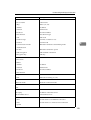
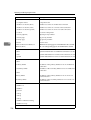
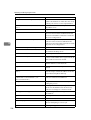
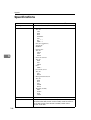
IP Address
$
Gateway Address
$
DNS Configuration
$
WINS Configuration
❍
DDNS Configuration
❍
Domain Name
❍
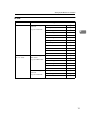
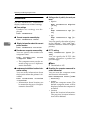
LAN Type *2
$
Ethernet Speed
❍
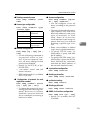
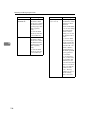
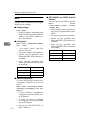
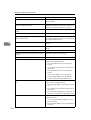
Effective Protocol *3
$
Permit SNMP V3 Communication
❍
Permit SSL / TLS Communication
❍
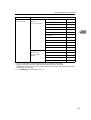
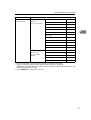
Host Name
❍
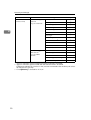
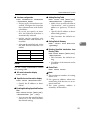
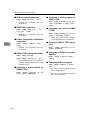
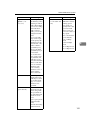
Communication Mode
$
SSID Setting
❍
Channel
❍
WEP (Encryption) Setting
❍
Transmission Speed
❍
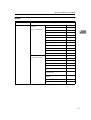
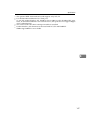
Appears when the optional IEEE 1394 interface board is installed.
Appears when the optional IEEE 802.11b interface unit is installed.
If Ethernet and 802.11b (wireless LAN) are both connected to the machine, the selected interface has priority.
Check[Effective] is selected for TCP/IP.































![DHaga clic en [Siguiente =]. - Firmware Center](http://vs1.manualzilla.com/store/data/006219344_1-304051f971daee15dd0cbfb99af5f096-150x150.png)
![CSélectionnez une langue, puis cliquez sur [OK].](http://vs1.manualzilla.com/store/data/006317938_1-593541ea6460ab0ad2c00e00abd849cd-150x150.png)