1
Operating Instructions
2.27 Configuring Multiple Images
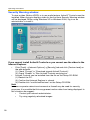
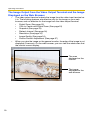
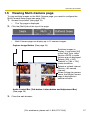
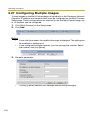
To view images on the Multi-Camera page, this product's or the Panasonic Network
Camera's IP address and camera name must be configured on the Multi-Camera
Setup page. These configurations are required to use the Multi-Camera page. Up
to 12 cameras can be configured.
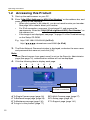
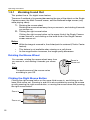
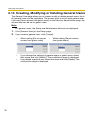
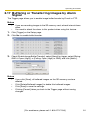
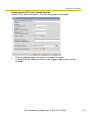
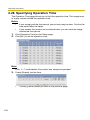
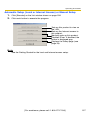
1. Click [Multi-Camera] on the Setup page.
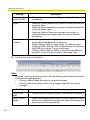
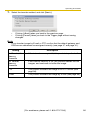
2. Click Add.
Notes
•
•
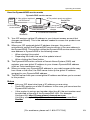
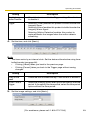
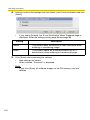
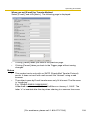
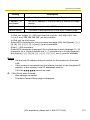
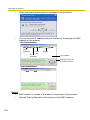
If you click the number, the modification page is displayed. The setting can
be modified or deleted on it.
If you configured multiple cameras, you can change the number. Select
the number, and click [Move].
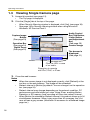
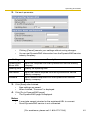
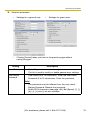
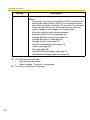
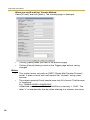
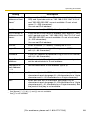
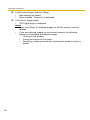
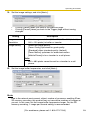
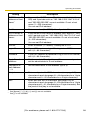
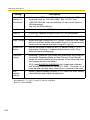
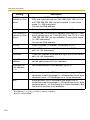
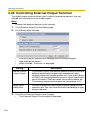
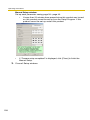
3. Set each parameter.
•
126
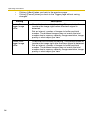
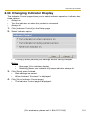
Clicking [Cancel] cancels your settings without saving changes.