1
CHAPTER
3
YOUR PHONE
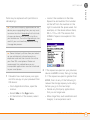
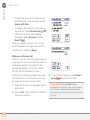
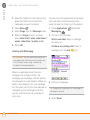
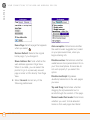
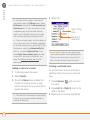
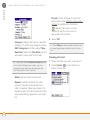
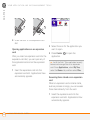
To ignore a call, do one of the following:
Send the call to voicemail: Press Power/
End
or select Ignore.
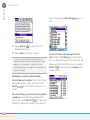
Send the caller a text message: Select
Ignore with Text. This option sends the
call to voicemail and opens a text message
addressed to the caller.
NOTE Sending text messages to land line
phones may not be supported.
Using voicemail
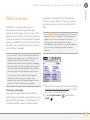
Verizon Wireless service includes
voicemail. Keep in mind that airtime and
other charges apply when using voicemail
from your smartphone.
Setting up voicemail
If you can’t connect to the Verizon
Wireless voicemail system, contact Verizon
Wireless for assistance:
TIP
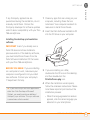
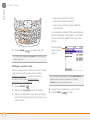
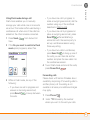
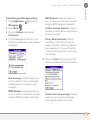
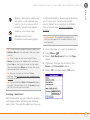
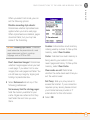
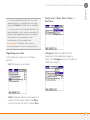
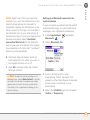
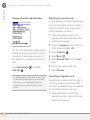
To silence the phone while it is ringing, do
one of the following:
•
•
Press any key on your smartphone
except Send, Power/End, or the 5-way.
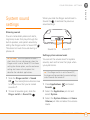
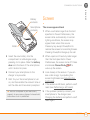
Slide the Ringer switch to Sound
Off
. This immediately silences all
system sounds, including the ringer.
DID YOU KNOW? When you silence the ringer
while it is ringing, you can either answer the
call or let it ring through to voicemail.
•
•
Verizon Wireless technical support:
800-922-0204.
Verizon Wireless customer service and
billing: 800-256-4646.
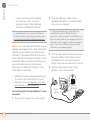
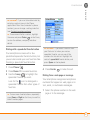
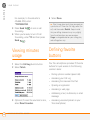
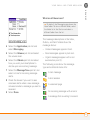
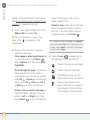
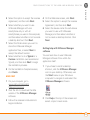
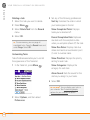
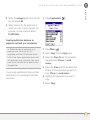
1 Make sure your phone is turned on (see
Turning your phone on and off) and that
you are in a coverage area.
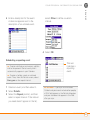
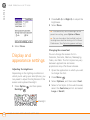
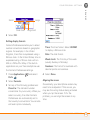
2 Press Phone
.
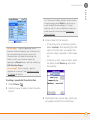
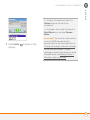
3 Press and hold 1 or select the
Voicemail favorite button to dial the
Verizon Wireless automated voicemail
system.
4 Follow the voice prompts to set up your
voicemail.
50
USING VOICEMAIL