1
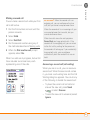
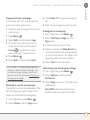
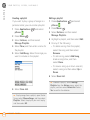
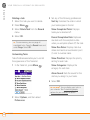
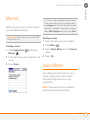
Making a second call
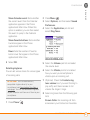
DID YOU KNOW? When the second call is an
outgoing call, you can conference the two
calls, but you cannot swap between them.
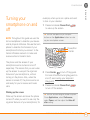
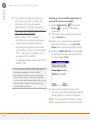
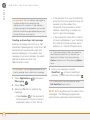
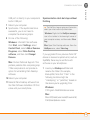
You can make a second call while your first
call is still active.
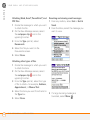
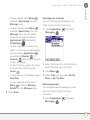
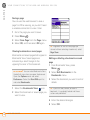
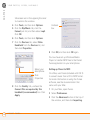
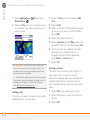
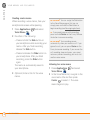
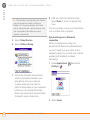
1 Dial the first number and wait until the
person answers.
When the second call is an incoming call, you
can swap between the two calls, but you
cannot conference them.
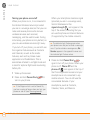
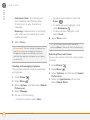
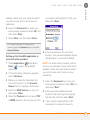
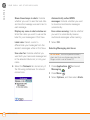
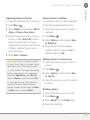
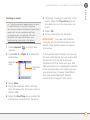
2 Select Hold.
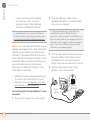
When two calls are active and you press
Power/End, you hang up both calls. If the
second call is an outgoing call, you can return
to the first call by waiting for the person on
the second call to hang up. If you accidentally
hang up both calls, your smartphone
automatically dials the number that was on
hold.
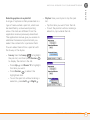
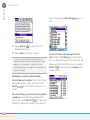
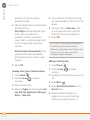
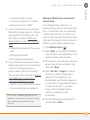
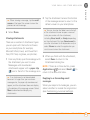
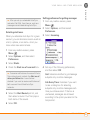
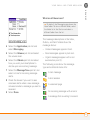
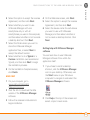
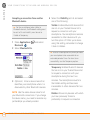
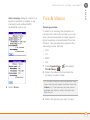
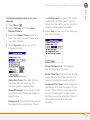
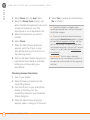
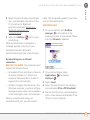
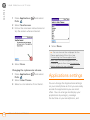
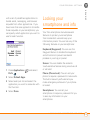
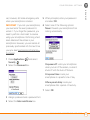
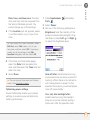
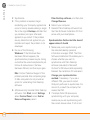
3 Select Add Call.
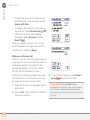
4 Dial the second number using any of
the methods described in Making calls.
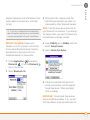
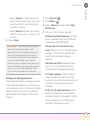
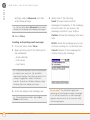
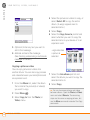
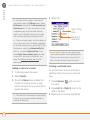
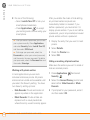
5 When the Dial another call prompt
appears, select Yes.
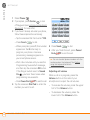
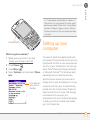
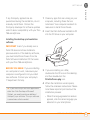
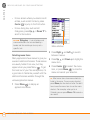
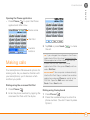
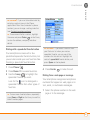
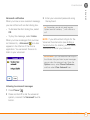
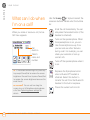
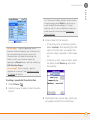
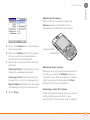
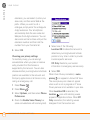
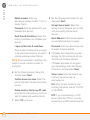
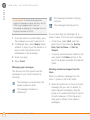
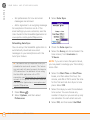
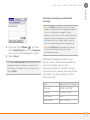
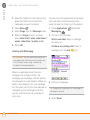
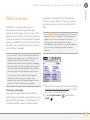
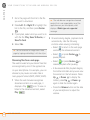
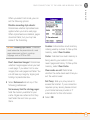
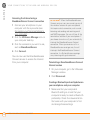
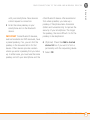
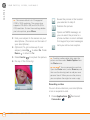
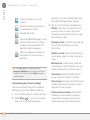
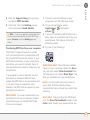
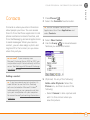
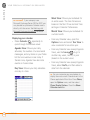
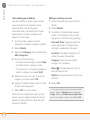
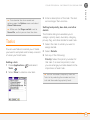
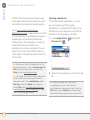
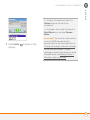
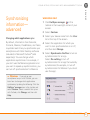
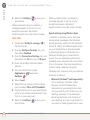
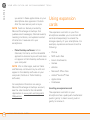
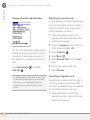
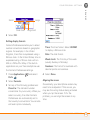
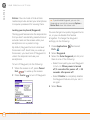
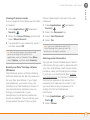
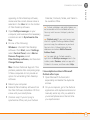
When two calls are in progress, Active Call
View includes two status lines, each
representing one of the calls.
3
CHAPTER
YOUR PHONE
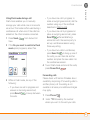
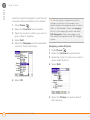
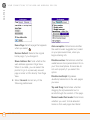
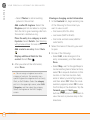
Answering a second call (call waiting)
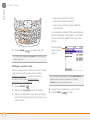
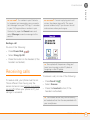
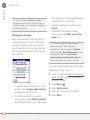
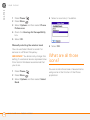
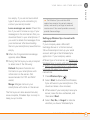
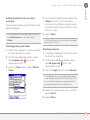
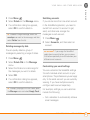
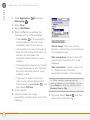
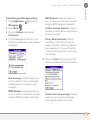
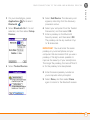
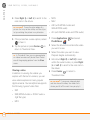
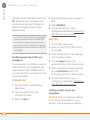
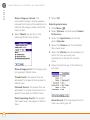
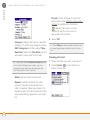
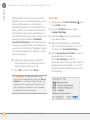
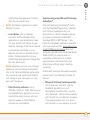
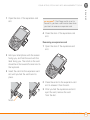
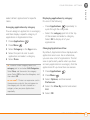
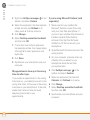
When you are on a call, you can receive a
second call. When the second call comes
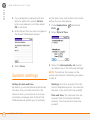
in, you hear a call waiting tone and the Call
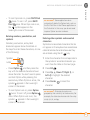
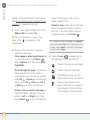
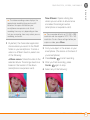
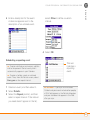
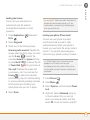
Waiting dialog box appears. You can do any
of the following to handle the second call:
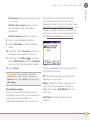
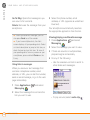
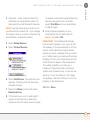
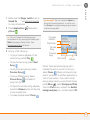
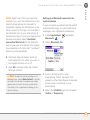
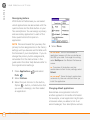
•
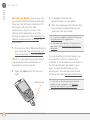
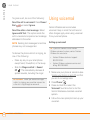
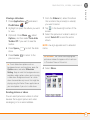
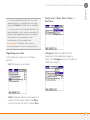
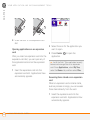
To place the current call on hold and
answer the new call, press Send
or select Answer.
•
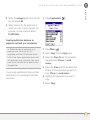
To send the new call to voicemail, select
Ignore.
WHAT CAN I DO WHEN I’M ON A CALL?
55