1
CHAPTER 7
Your Notes and Memos
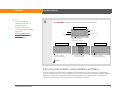
Organizing your notes and memos
You have three powerful tools to help you organize your notes and memos. The information in
these applications is stored in program memory. This means that you can view the information
only by looking at it in the application and you can synchronize the information in these apps by
pressing the sync button on the USB cable. Note Pad and Voice Memo can be synchronized only
with Palm® Desktop software. Memos can be synchronized with either Outlook or Palm Desktop
software.
0
LifeDrive from palmOne
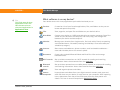
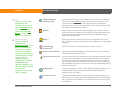
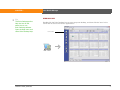
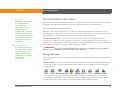
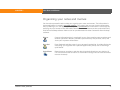
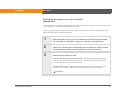
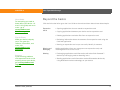
Memos
Capture information that is meaningful to you, from meeting notes to recipes and
favorite quotations. Memos provides a quick and easy way to enter, store, and
share your important information.
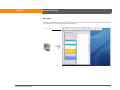
Note Pad
Draw freehand and take notes in your personal handwriting. Use Note Pad to do
everything you might do with a piece of paper and a pencil, such as drawing a
quick sketch.
Voice Memo
Record memos anywhere, and then play them back directly on your device. Or
use a voice memo with an alarm as a reminder message. You can also send voice
memos wirelessly.
96