1
»
CHAPTER 6
Your Personal Information Organizer
Key Term
Event The name for an
entry in the Calendar
application, including
appointments, birthdays,
reminders, recurring
meetings, and so on.
Managing your calendar
Tip
You can also scroll to a
date by pressing Right or
Left on the 5-way
navigator or by tapping
the arrows at the top of
the Day View.
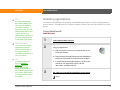
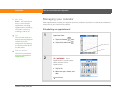
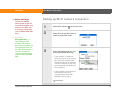
Enter appointments to help you organize your time, and then set alarms to remind you before the
event so that you have time to prepare.
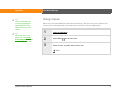
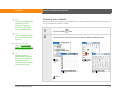
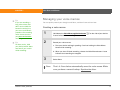
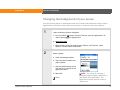
Scheduling an appointment
0
1
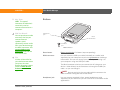
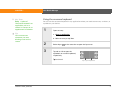
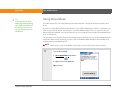
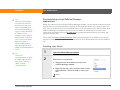
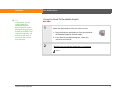
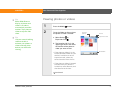
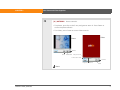
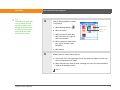
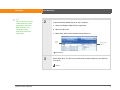
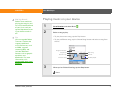
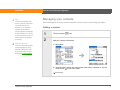
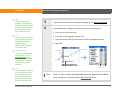
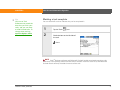
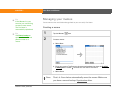
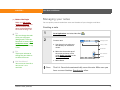
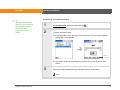
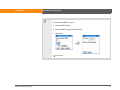
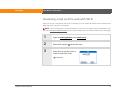
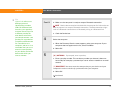
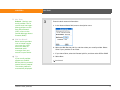
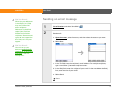
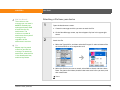
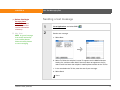
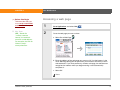
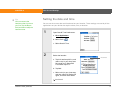
Open Day View:
a. Tap the Calendar
icon.
b. Tap the Day View icon
Day View icon
Go To
Did You Know?
You can use more than
one line to describe an
appointment.
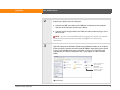
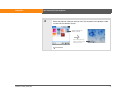
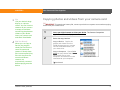
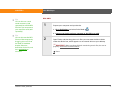
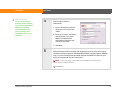
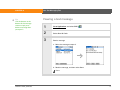
2
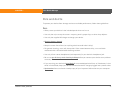
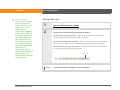
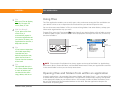
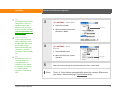
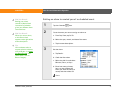
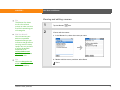
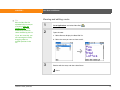
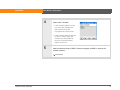
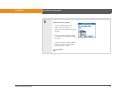
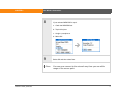
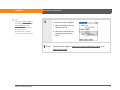
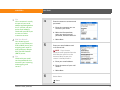
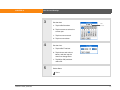
[ & ] OPTIONAL If the
appointment is not for today,
select the date of the
appointment:
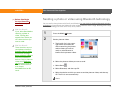
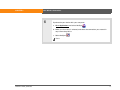
a. Tap Go To.
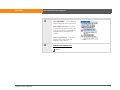
b. Select the year, month, and
date.
Continued
LifeDrive from palmOne
87