1
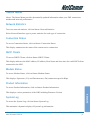
Tools Menu
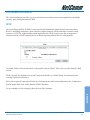
System Commands
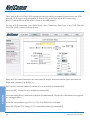
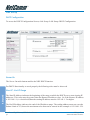
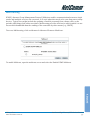
To access System Commands, Click on Tools>System Commands.
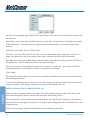
Save All: Press this button in order to permanently save the current configuration of the Gateway. If
you do re-start the system without saving your configuration, the Gateway will revert back to the
previously saved configuration.
Restart: Use this button to re-start the system. If you have not saved your configurations, the
Gateway will revert back to the previously saved configuration upon re-starting.
NOTE:
You will be redirected to the NB5 Homepage after the unit has successfully
rebooted.
Restore Defaults: Use this button to restore factory default configurations.
NOTE:
You will be redirected to the NB5 Homepage after the unit has successfully
been restored to factory default configurations.
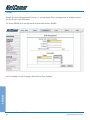
User Management
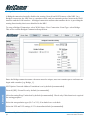
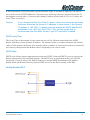
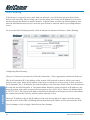
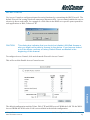
To access User Management, click on Tools>User Management.
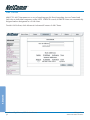
This screen enables you to change your User Name and/or Password. It is recommended that you
change the User Name and password from the default 'admin' to ensure the security of the NB5.
CAUTION:
TIP:
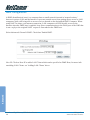
If you forget your user name and password, access to the NB5 interface can
only be gained by resetting the unit to factory defaults. In this case, all userconfigured settings will be lost and will need to be re-entered.
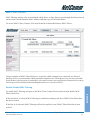
Your NB5 Username and Password fields are NOT the same fields as the
Username and Password for your ISP account.
Advanced
YML717 Rev1
www.netcomm.com.au
NetComm NB5 Ethernet/USB Modem Router
69