1
Phone setup
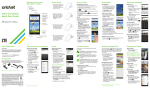
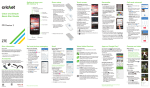
Inserting the battery and SIM card
1.Remove the back cover.
2.Insert the SIM card with the goldcolored contacts facing down.
3.Insert the battery, making sure the
connectors align.
4.Replace the back cover and charge
your phone.
Mobile web
1.From the home screen, press the Right
select key.
2.Press the Left select key > Enter URL.
3.Enter a web address and press the
OK key
.
4.To exit the browser, press the Power/end
key
> Yes.