1
2-6
PCL
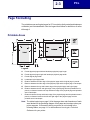
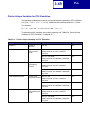
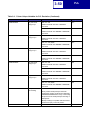
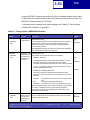
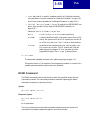
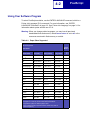
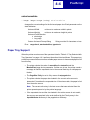
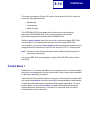
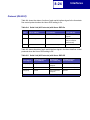
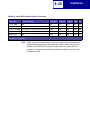
The Print Area menu item is available from the printer operator panel or through
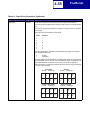
MarkVision Professional. For some printers, Print Area supports three values: Normal,
Whole Page, and Fit to Page. See your printer documentation for more information.
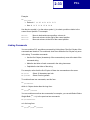
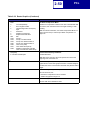
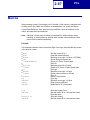
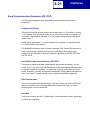
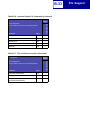
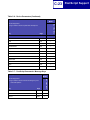
Normal setting
Whole Page setting
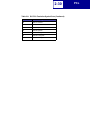
Legend:
PCL
Logical
Page
Area
Physical
Page
Border
PCL
Printable
Area
Only Portrait Orientation is shown for all settings.
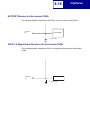
The Normal setting, which is the factory default, means the printable area includes the
entire page except the narrow border around the edge of the page. This is the
nonprintable area. The printer measures margin settings relative to the logical page.
For a more detailed explanation of the Normal setting, see “Printable Areas” on
page 2-3.
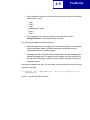
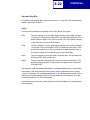
The Whole Page setting only affects pages printed when using PCL emulation. If
Whole Page is selected, the PCL language sets the logical page area equal to the
physical page dimensions. Since the logical page dimensions and the physical page
dimensions are the same, in theory, the cursor may be positioned anywhere on the
page. However, the PCL language clips the image to the printable area. So, the Whole
Page setting is useful for printing scanned images that extend from edge to edge of a
page.