1
3-12
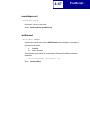
PJL
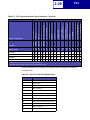
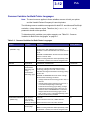
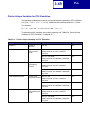
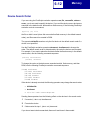
Common Variables for Both Printer Languages
Note: The word common applies to those variables common to both your printer
and the Hewlett-Packard Company’s LaserJet printers.
The following common variables are supported for both PCL emulation and PostScript
emulation, unless otherwise noted. Therefore, the [command modifier:value]
parameter should not be specified.
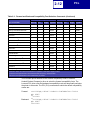
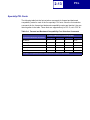
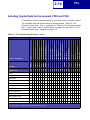
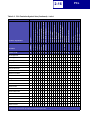
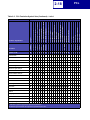
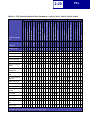
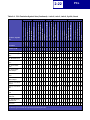
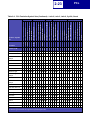
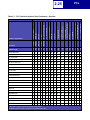
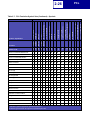
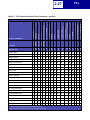
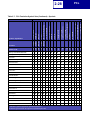
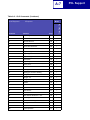
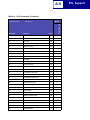
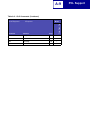
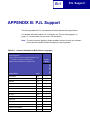
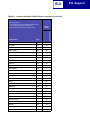
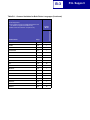
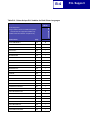
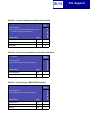
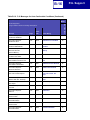
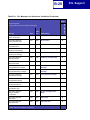
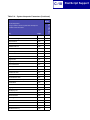
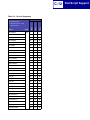
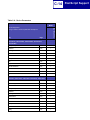
To determine which variables your printer supports, see “Table B-1: Common
Variables for Both Printer Languages” on page B-1.
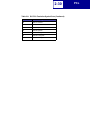
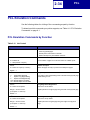
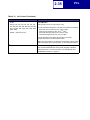
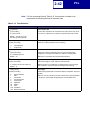
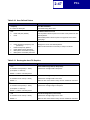
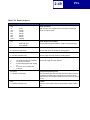
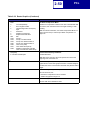
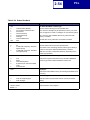
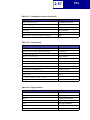
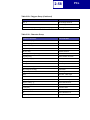
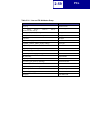
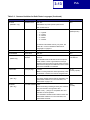
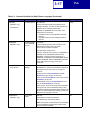
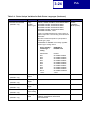
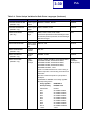
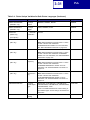
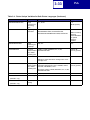
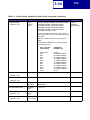
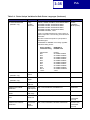
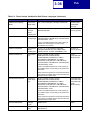
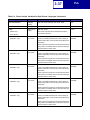
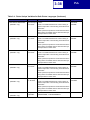
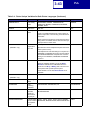
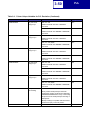
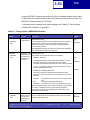
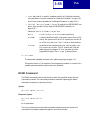
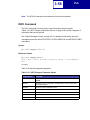
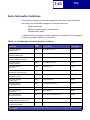
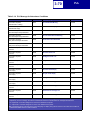
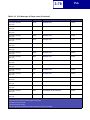
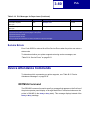
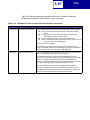
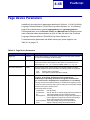
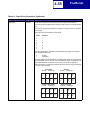
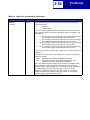
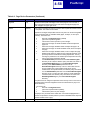
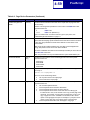
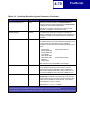
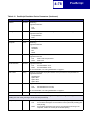
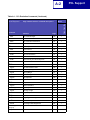
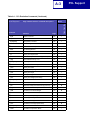
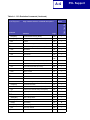
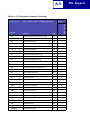
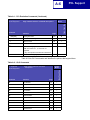
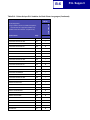
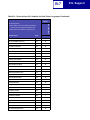
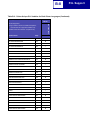
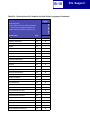
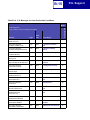
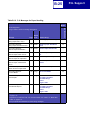
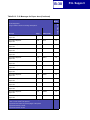
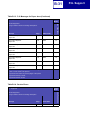
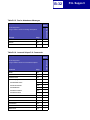
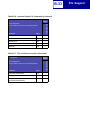
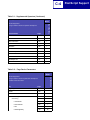
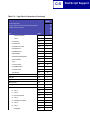
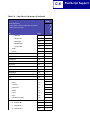
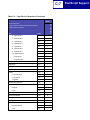
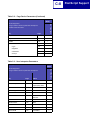
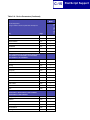
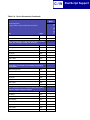
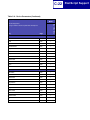
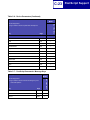
Table 3-3: Common Variables for Both Printer Languages
Variable
Function
Selections
Factory Default
AUTOCONT
Auto Continue
0, 5 to 255, OFF, ON
0
(DEFAULT only)
A value of 0 or OFF indicates Auto Continue is
disabled. A value of ON indicates Auto Continue is set
to 30.
INQUIRE or DINQUIRE on the Auto Continue variable
returns a numeric value.
Note: If a value greater than 255 is specified by a SET
or DEFAULT command, the value is changed to 255.
BINDING
Duplex Bind
LONGEDGE, SHORTEDGE
LONGEDGE
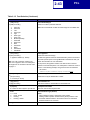
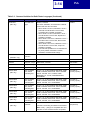
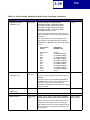
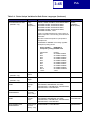
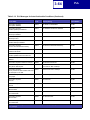
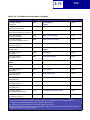
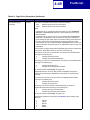
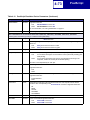
BITSPERPIXEL
Image
Enhancement
Technology and
Image
Enhancement
Technology Type
1, 2, 4, Auto
1
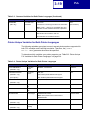
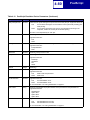
A value of 1 indicates the Image Enhancement
Technology setting is set to Off. A value of 2 or 4
indicates the Image Enhancement Technology setting
is set to On.
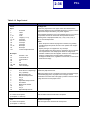
INQUIRE or DINQUIRE returns the value of Image
Enhancement Technology as follows:
• If Image Enhancement Technology is set to Off, 1 is
returned.
• If Image Enhancement Technology is set to On, 2
or 4 is returned depending on the Image
Enhancement Technology Type setting. If Image
Enhancement Technology Type is set to On, the
numerical value of BITSPERPIXEL is returned. If
Image Enhancement Technology Type is set to
Auto, a value of 2 or 4 is returned depending on the
amount of total memory installed.
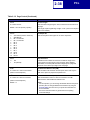
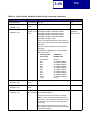
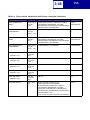
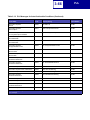
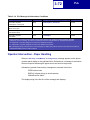
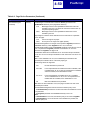
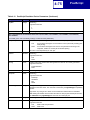
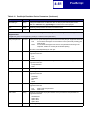
CLEARABLEWARNINGS
(READ only)
COPIES
Auto Continue
JOB, ON
from operator
If Auto Continue is set to On, JOB is returned.
panel non-fatal
warning messages If Auto Continue is set to Off, ON is returned.
ON
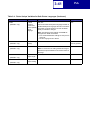
Number of copies
of each page
1
1 to 999
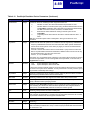
Note: If a value greater than 999 is specified by a SET
or DEFAULT command, the value is changed to 999.