1
2-8
PCL
print the font sample pages using a PJL command (see “LPRINTPCLFONTS” on
page 3-83.), or through MarkVision Professional (network models only). See your
printer documentation for more information.
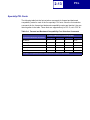
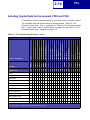
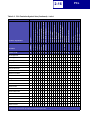
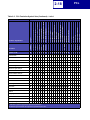
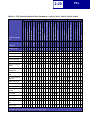
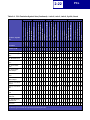
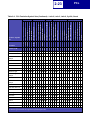
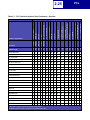
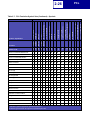
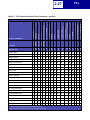
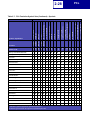
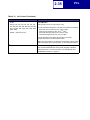
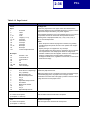
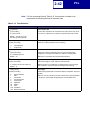
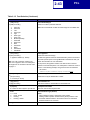
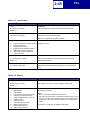
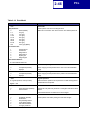
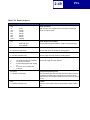
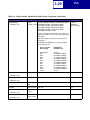
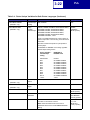
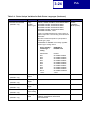
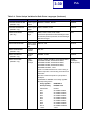
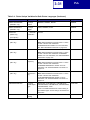
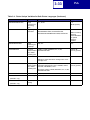
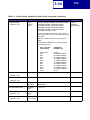
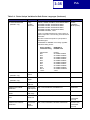
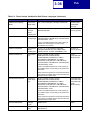
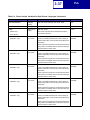
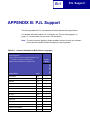
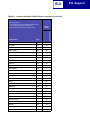
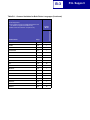
A symbol set defines which characters are available for a font and the code point for
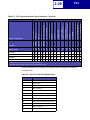
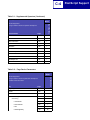
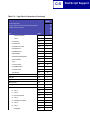
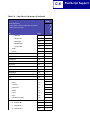
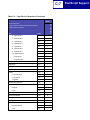
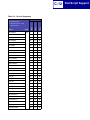
each of these characters. Your printer supports 88 resident symbol sets. The tables
beginning on page 2-10 show the symbol sets available for each font in
PCL emulation. Not all fonts support all symbol sets.
You can select a font as the PCL emulation default through MarkVision Professional
(network models only). See your printer documentation for more information.
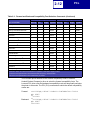
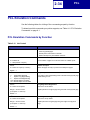
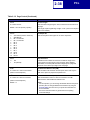
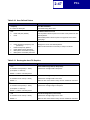
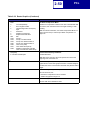
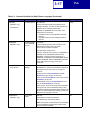
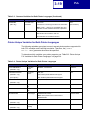
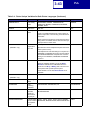
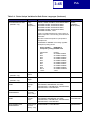
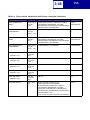
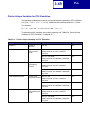
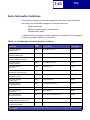
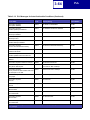
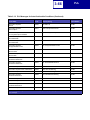
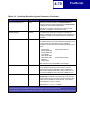
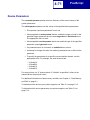
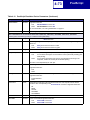
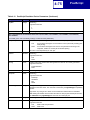
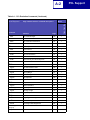
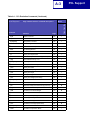
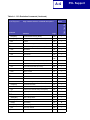
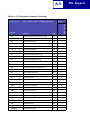
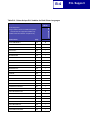
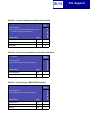
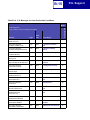
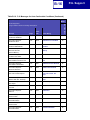
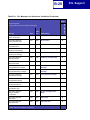
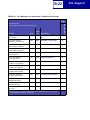
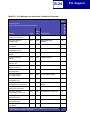
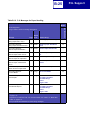
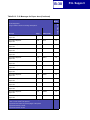
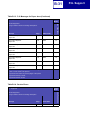
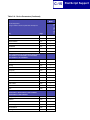
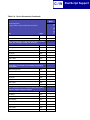
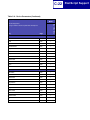
The fonts are divided into three major groups. The first 47 fonts (R0 to R46) shown on
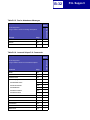
the font sample pages are the standard PCL emulation fonts. The next 39 fonts (R47
to R85) are called Type 1 fonts and were originally defined for PostScript emulation,
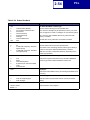
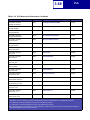
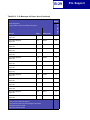
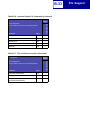
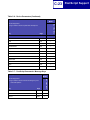
but now also work in the PCL emulation. The final five fonts (R86 to R90) are
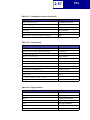
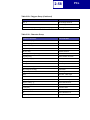
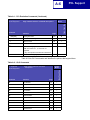
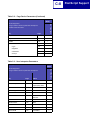
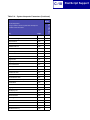
additional specialty PCL fonts. For a list of the 47 standard PCL emulation fonts, see
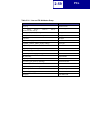
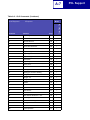
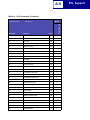
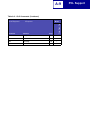
Table 2-2 on page 2-9. For a list of the 39 Type 1 fonts, see Table 2-3 on page 2-11.
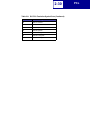
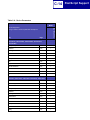
For a list of the five additional specialty PCL fonts, see Table 2-7 on page 2-24. These
tables list both the forward and backward compatibility font selection commands. For
more information on forward and backward compatibility, see page 2-9. For more
information on selecting symbol sets, see page 2-20.
For compatibility purposes, you can disable Type 1 fonts with the Printer Job
Language (PJL) LTYPE1FONTS command. The factory default for these fonts is
Enabled. See LTYPE1FONTS on page 3-47 for more information.
You can also select fonts using PJL commands. The selection parameter is the
number portion from the font identifier shown on the font sample pages, such as 0 or
76 from font identifiers R0 or R76. Use the PJL values shown in the tables beginning
on page 2-9 to select a symbol set. If a symbol set does not have a PJL value, use the
symbol set ID to select the symbol set. A font selection can be either temporary or set
as the default.
Use the following PJL commands to select fonts: FONTSOURCE, FONTNUMBER,
PITCH, PTSIZE, SYMSET, SET, DEFAULT. See “Table 3-5: Common Variables for
PCL Emulation” on page 3-48 for more information about these commands.