1
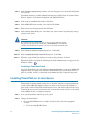
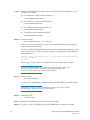
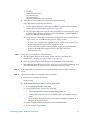
STEP 9.
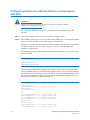
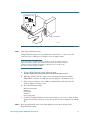
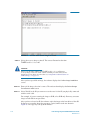
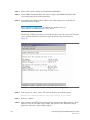
At the login prompt, enter the username clariion (if not already present) and the password
clariion!
STEP 10.
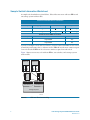
Use your browser to select the recovery file obtained from your service provider, and drag
and drop it into the FTP window.
STEP 11.
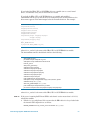
Install the SP image in the image repository.
Y
By putting the image in the repository, you can restore it without using FTP in the
unlikely event the SP image becomes unusable again.
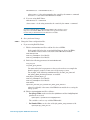
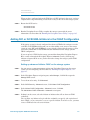
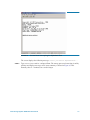
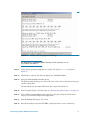
a. Select Image Repository Sub-Menu.
c. Select the file you just copied using FTP.
AR
b. Select the option Copy files from RAM disk to Image Repository.
d. Press Enter to continue. The software copies the image to the repository.
e. Enter 1 to return to the Toolkit Main Menu.
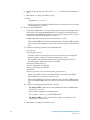
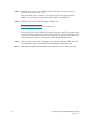
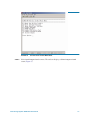
In the Utility Toolkit window, select Install images.
STEP 13.
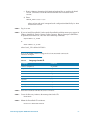
Continue the boot image recovery with STEP 6 in Procedure 32, "Restoring a Storage
Processor Boot Image," on page 169.
PR
EL
I
M
IN
STEP 12.
Intel Storage System SSR212PP User Guide
181