1
Running the Navisphere
Server Utility
30
Y
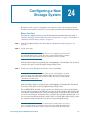
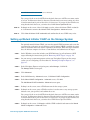
This procedure provides server-specific instructions for running the Navisphere Server
Utility on Linux, Netware, and Windows servers.
AR
On Linux
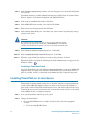
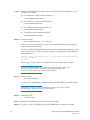
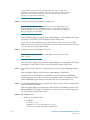
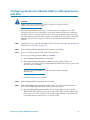
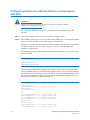
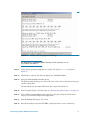
On the server, run the utility by entering /opt/Navisphere/bin/naviserverutilcli
STEP 2.
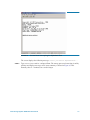
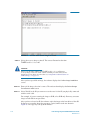
In the Server Utility, enter 1 to select Update Server Information. The utility automatically
scans for connected SSR212PP-Series storage systems, and displays a list of the ones it
finds.
STEP 3.
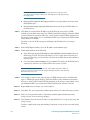
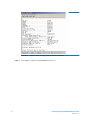
In the Server Utility, enter u to register the server with each storage system the utility
found.
IN
STEP 1.
Enter c (cancel) to stop the utility.
EL
I
STEP 4.
M
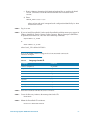
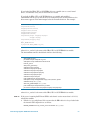
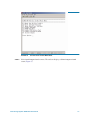
The utility sends the server s name and IP address to each storage system. Once the server
has storage on the storage system, the utility also sends the Linux server device name and
volume or file system information for each virtual disk in the storage system that the
server sees.
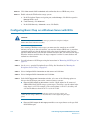
On a Windows Server
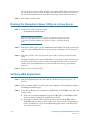
You need to run the Server Utility only if you disabled the Registration Service during the
installation of the utility (it is enabled by default).
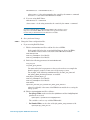
Run the Navisphere Server Utility by clicking
PR
STEP 1.
Start
Programs
EMC
Navisphere
Navisphere Server Utility.
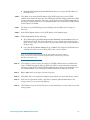
STEP 2.
Select your language, if prompted for it.
STEP 3.
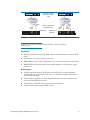
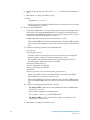
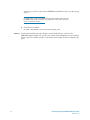
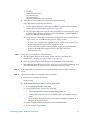
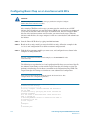
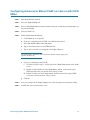
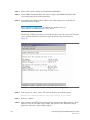
In the Navisphere Server Utility dialog box, select Register this server to all connected
storage systems.
The utility automatically scans for all connected SSR212PP-Series storage systems and
lists them under Connected Storage Systems. Locate the WWN of the HBA you just
installed. The HBA should appear once for every SP port it is connected to.
Intel Storage System SSR212PP User Guide
165