1
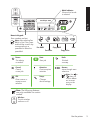
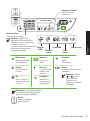
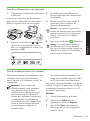
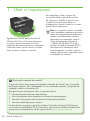
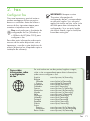
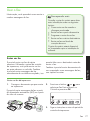
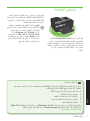
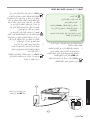
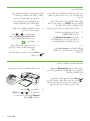
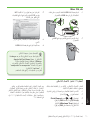
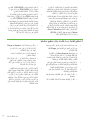
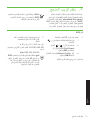
Mode Indicator:
Wireless
Shows which mode
is selected
HP Officejet
4500 Wireless
HP Officejet 4500
Ethernet
English
HP Officejet
4500
Numeric Keypad:
Enter numbers and text
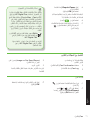
Note: After selecting Fax
B&W or Fax Color, press
and hold the numeric key
corresponding to a
speed-dial to select the
speed-dial.
Fax B&W
Copy B&W
Fax Color
Scan
Copy Color
Power:
Start:
Back:
Turn device
on and off
Start job
Go back
one step
Cancel:
Attention:
Arrows:
Cancel
current job
Device requires
attention
OK:
Setup:
Enter a menu or
accept current
selection
Change
device settings
Move through menu
selections
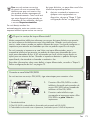
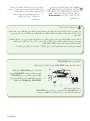
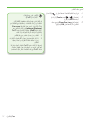
Note: Use or
when you
want to delete
an incorrect
entry on the
display.
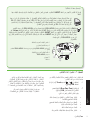
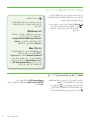
Note: The following features
are only available on certain
models.
Wireless:
Wireless
Turn the wireless
radio on or off
Use the printer
5