1
Configuring for Network Management Applications
Using SNMP Tools To Manage the Switch
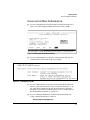
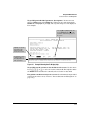
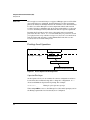
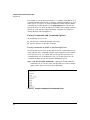
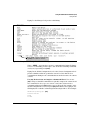
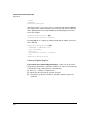
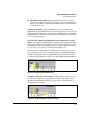
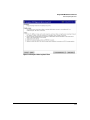
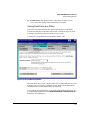
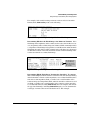
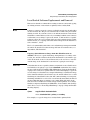
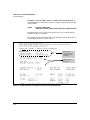
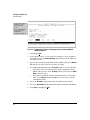
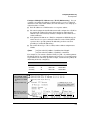
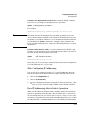
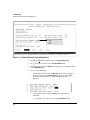
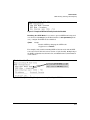
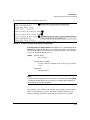
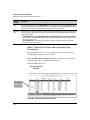
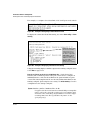
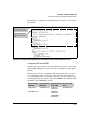
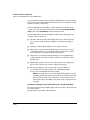
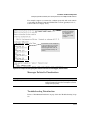
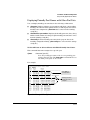
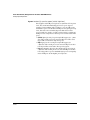
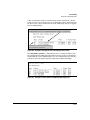
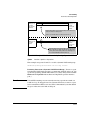
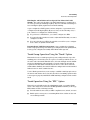
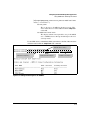
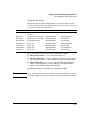
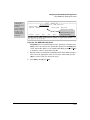
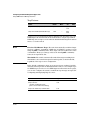
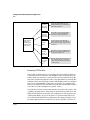
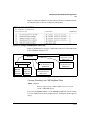
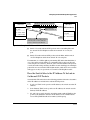
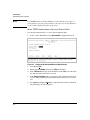
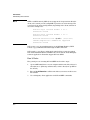
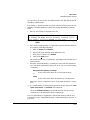
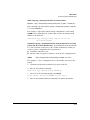
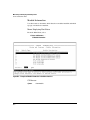
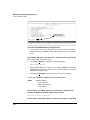
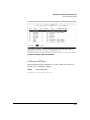
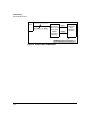
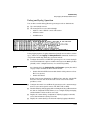
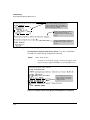
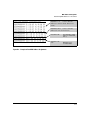
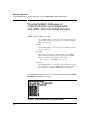
Then you must set the group access level to the user. This is done with the
snmpv3 group command. For more details on the MIBs access for a give group
see “Group Access Levels” on page 13-11.
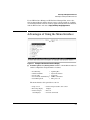
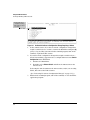
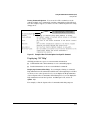
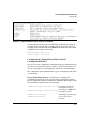
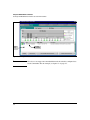
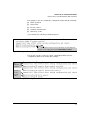
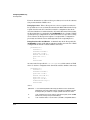
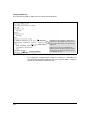
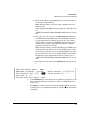
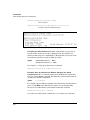
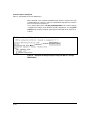
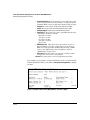
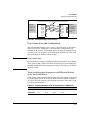
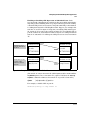
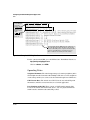
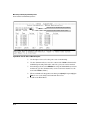
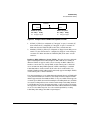
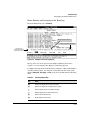
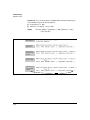
Add NetworkAdmin to
operator noauth group
Add NetwrokMgr to managerpriv group
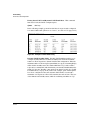
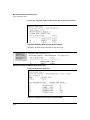
Pre-assigned groups for
access by Version 2c and
version 1 management
applications
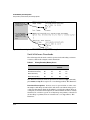
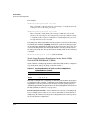
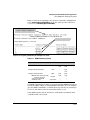
Figure 13-3. Assign Users to group for SNMPv3
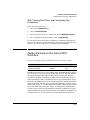
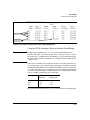
Caution 13-10
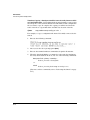
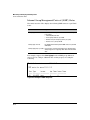
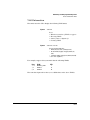
Adding a user without authentication and/or privacy to a group that requires
it will cause the user to not be able to access the switch. You should only add
users to the group that is appropriate for their security parameters