1
Time Protocols
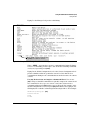
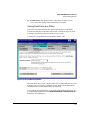
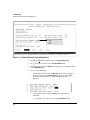
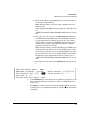
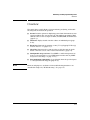
SNTP Messages in the Event Log
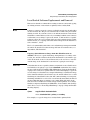
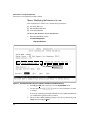
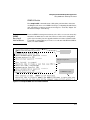
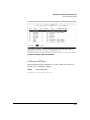
Menu Interface Operation with Multiple SNTP Server Addresses
Configured
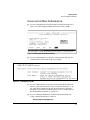
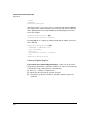
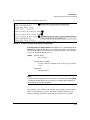
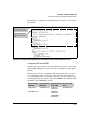
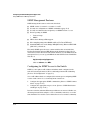
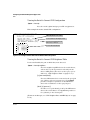
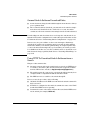
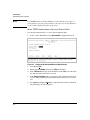
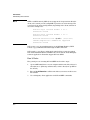
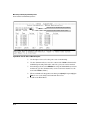
When you use the Menu interface to configure an SNTP server IP address, the
new address writes over the current primary address, if one is configured. If
there are multiple addresses configured, the switch re-orders the addresses
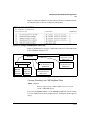
according to the criteria described under “Address Prioritization” on page 922. For example, suppose the switch already has the following three SNTP
server IP addresses configured.
■
10.28.227.141 (primary)
■
10.28.227.153 (secondary)
■
10.29.227.100 (tertiary)
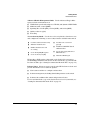
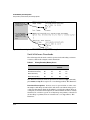
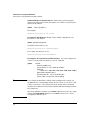
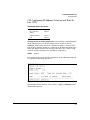
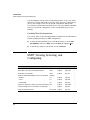
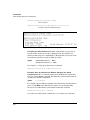
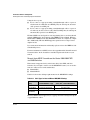
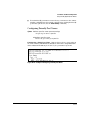
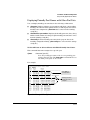
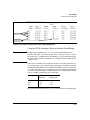
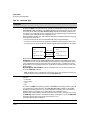
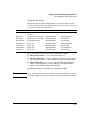
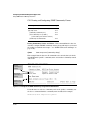
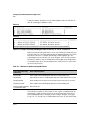
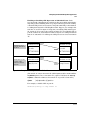
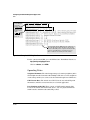
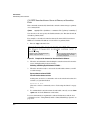
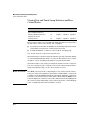
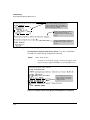
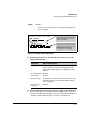
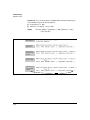
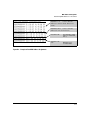
If you use the Menu interface to add 10.28.227.160, the new prioritized list will
be:
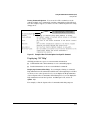
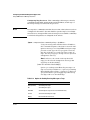
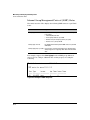
New Address List
Address Status
10.28.227.153
New Primary (The former primary, 10.28.227.141 was deleted when
you used the menu to add 10.28.227.160.)
10.28.227.160
New Secondary
10.29.227.100
Same Tertiary (This address still has the highest decimal value.)
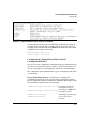
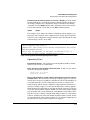
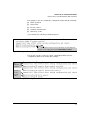
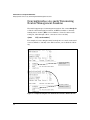
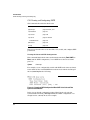
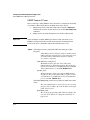
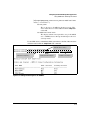
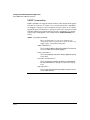
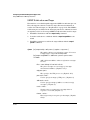
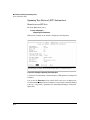
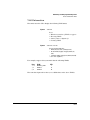
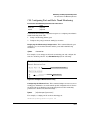
SNTP Messages in the Event Log
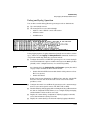
If an SNTP time change of more than three seconds occurs, the switch’s event
log records the change. SNTP time changes of less than three seconds do not
appear in the Event Log.
9-24