1
Power Over Ethernet (PoE) Operation for the Series 2600-PWR Switches
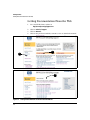
Viewing PoE Configuration and Status
Viewing PoE Configuration and Status
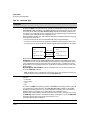
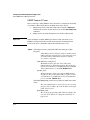
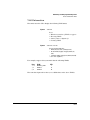
Displaying the Switch’s Global PoE Power Status
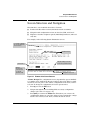
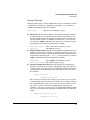
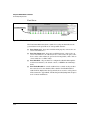
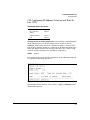
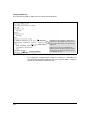
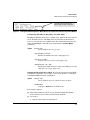
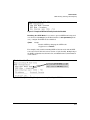
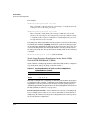
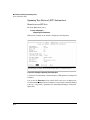
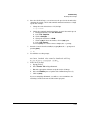
Syntax:show power-management
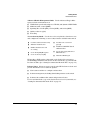
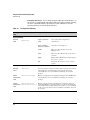
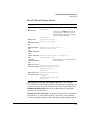
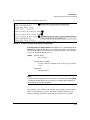
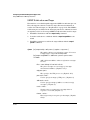
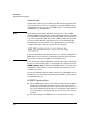
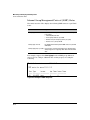
Displays the switch’s global PoE power status, including:
• Max Power: Lists the maximum PoE wattage available to
provision active PoE ports on the switch.
• Power In Use: Lists the amount of PoE power presentlyin use.
• Operational Status: Indicates whether PoE power is available
on the switch. (Default: On ; shows Off if PoE power is not
available. Shows Faulty if internal or external PoE power is
oversubscribed or faulty.)
• Usage Threshold (%): Lists the configured percentage of
available PoE power provisioning the switch must exceed to
generate a usage notice in the form of an Event Log message
and an SNMP trap. If this event is followed by a drop in power
provisioning below the threshold, the switch generates
another SNMP trap and Event Log message. Event Log
messages are also sent to any optionally configured debug
destinations. (Default: 80%)
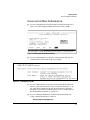
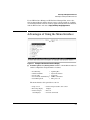
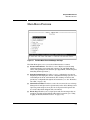
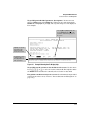
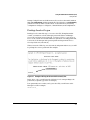
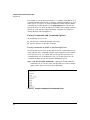
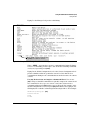
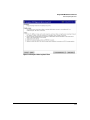
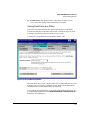
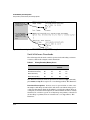
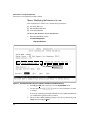
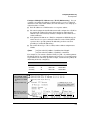
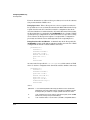
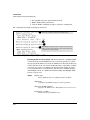
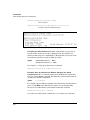
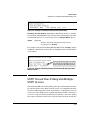
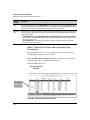
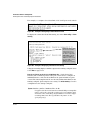
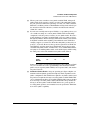
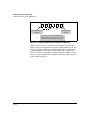
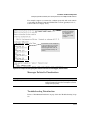
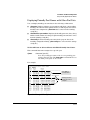
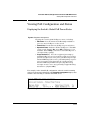
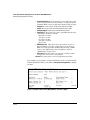
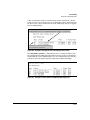
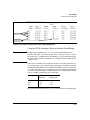
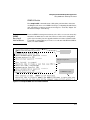
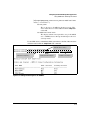
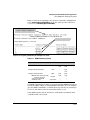
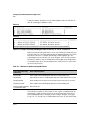
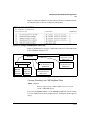
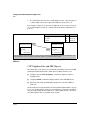
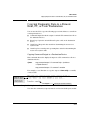
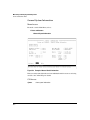
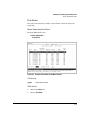
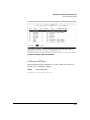
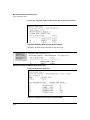
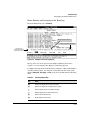
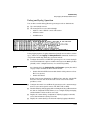
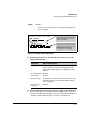
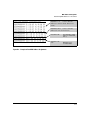
For example, in the default PoE configuration, when the switch is running
with several ports supporting PD loads, show power-management displays data
similar to the following on a Switch 2626-PWR device:
Figure 1. Example of Show Power-Management Output
11-11