1
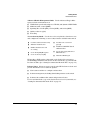
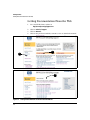
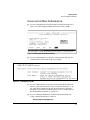
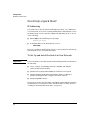
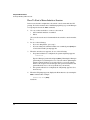
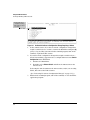
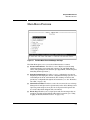
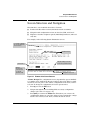
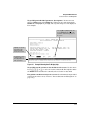
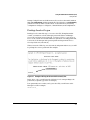
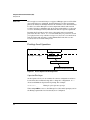
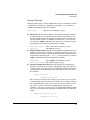
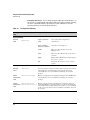
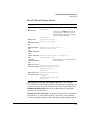
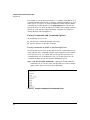
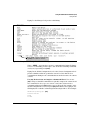
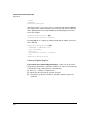
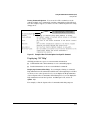
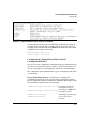
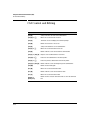
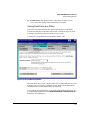
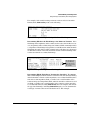
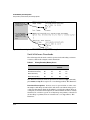
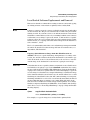
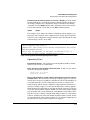
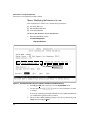
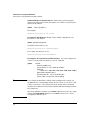
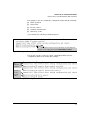
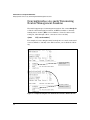
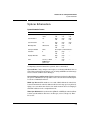
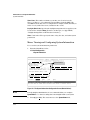
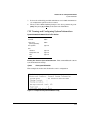
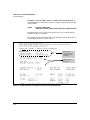
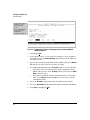
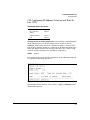
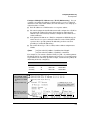
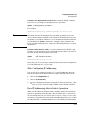
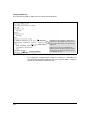
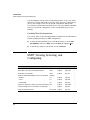
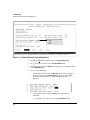
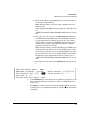
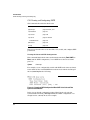
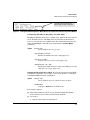
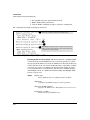
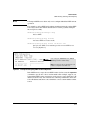
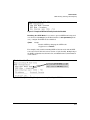
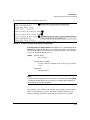
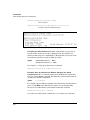
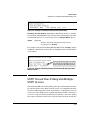
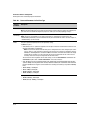
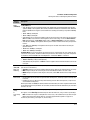
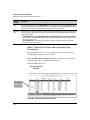
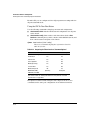
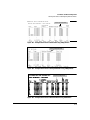
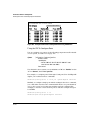
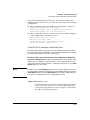
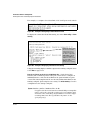
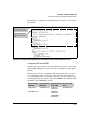
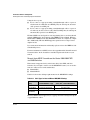
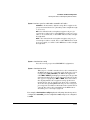
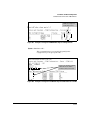
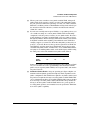
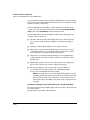
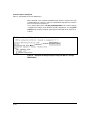
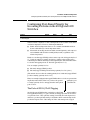
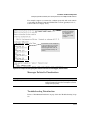
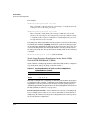
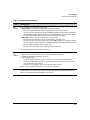
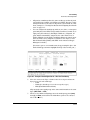
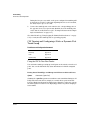
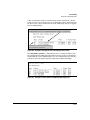
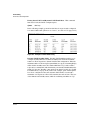
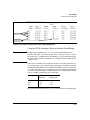
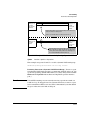
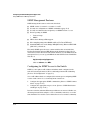
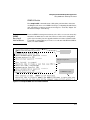
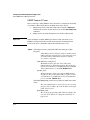
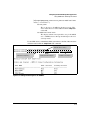
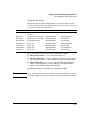
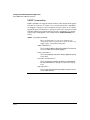
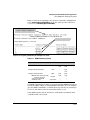
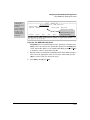
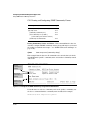
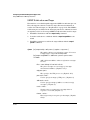
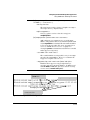
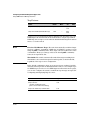
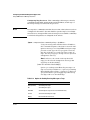
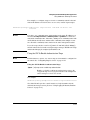
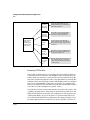
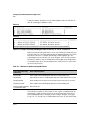
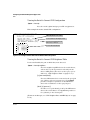
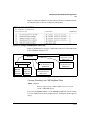
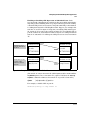
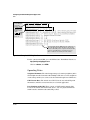
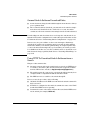
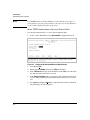
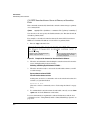
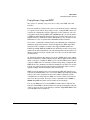
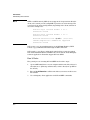
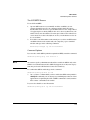
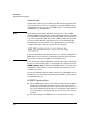
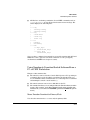
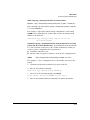
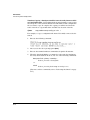
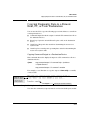
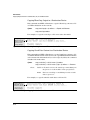
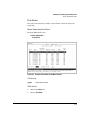
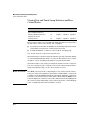
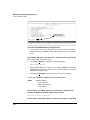
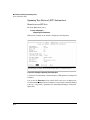
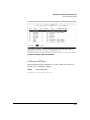
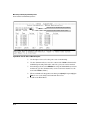
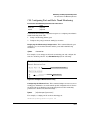
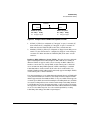
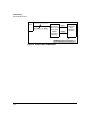
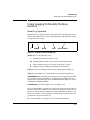
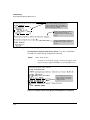
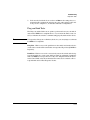
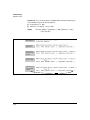
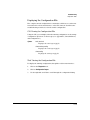
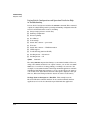
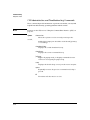
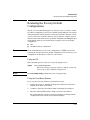
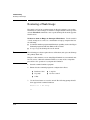
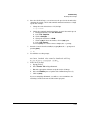
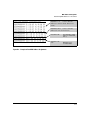
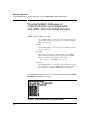
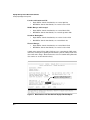
Using the Command Line Interface (CLI) Using the CLI Listing Command Options. You can use the CLI to remind you of the options available for a command by entering command keywords followed by?. For example, suppose you want to see the command options for config uring port C5: This example displays the command options for configuring the switch’s console settings. Figure 4-5. Example of How To List the Options for a Specific Command Displaying CLI "Help" CLI Help provides two types of context-sensitive information: ■ Command list with a brief summary of each command’s purpose ■ Detailed information on how to use individual commands Displaying Command-List Help. You can display a listing of command Help summaries for all commands available at the current privilege level. That is, when you are at the Operator level, you can display the Help summaries only for Operator-Level commands. At the Manager level, you can display the Help summaries for both the Operator and Manager levels, and so on. Syntax: help For example, to list the Operator-Level commands with their purposes: 4-11