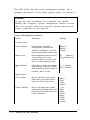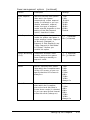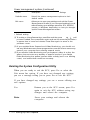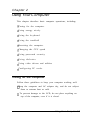
1
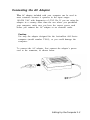
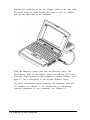
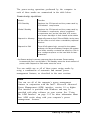
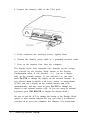
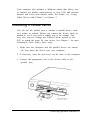
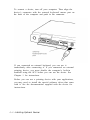
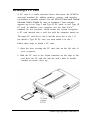
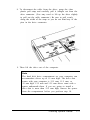
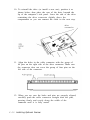
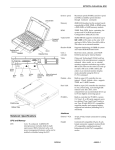
Position the connector on the AC adapter cable so the side with
the arrow faces up. Then connect the cable to the AC adapter
port on the right side of the computer.
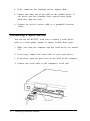
Plug the adapter’s power cord into an electrical outlet. The
green power light on the adapter comes on and the AC Power
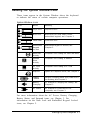
icon (the plug) appears in the computer’s System Window. (See
page 1-7 for a description of the System Window icons.)
For more information about powering the computer with the
AC adapter, see Chapter 3. For instructions on connecting
optional equipment to your computer, see Chapter 4.
1-4 Setting Up the Computer