1
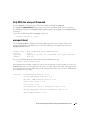
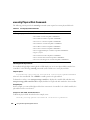
omconfig Format Virtual Disk
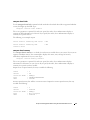
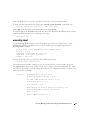
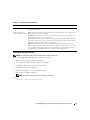
Use the following omconfig command syntax to format a virtual disk.
Complete Syntax
omconfig storage vdisk action=format controller=id vdisk=id
where id is the controller ID and virtual disk ID as reported by the omreport command. To obtain these
values, enter omreport storage controller to display the controller IDs and then enter omreport storage
vdisk controller=ID to display the IDs for the virtual disks attached to the controller.
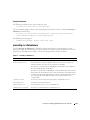
Example Syntax
For example, to format virtual disk 4 on controller 1, enter:
omconfig storage vdisk action=format controller=1 vdisk=4
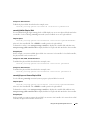
omconfig Reconfiguring Virtual Disks
You can reconfigure a virtual disk in order to change the virtual disk’s RAID level or increase its size by
adding physical disks. On some controllers, you can also remove physical disks.
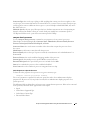
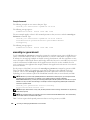
Complete Syntax
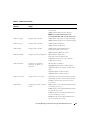
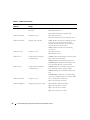
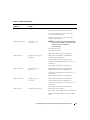
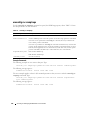
omconfig storage vdisk action=reconfigure controller=id vdisk=id
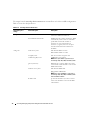
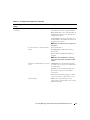
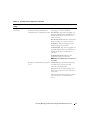
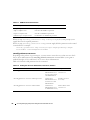
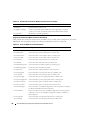
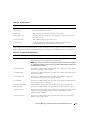
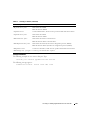
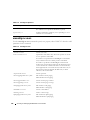
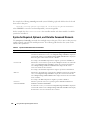
raid=<c| r0| r1| r1c| r5| r10> size=<size> pdisk=<PDISK>
Example Syntax
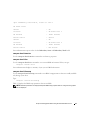
For example, to reconfigure virtual disk 4 to a size of 800 MB, use RAID 5 and physical disks 0 through 3
on connector 0 of controller 1. On a SAS controller, the physical disks reside in enclosure 2.
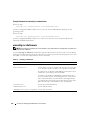
Example for SCSI, SATA, and ATA Controllers:
In this example, enter:
omconfig storage vdisk action=reconfigure controller=1 vdisk=4 raid=
r5 size=800m pdisk=0:0,0:1,0:2,0:3
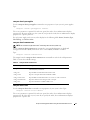
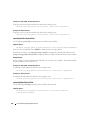
Example for SAS Controllers:
In this example, enter:
omconfig storage vdisk action=reconfigure controller=1 vdisk=4 raid=
r5 pdisk=0:2:0,0:2:1,0:2:2,0:2:3
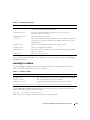
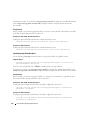
omconfig Change Virtual Disk Policy
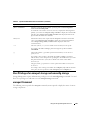
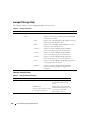
Use the following omconfig command syntax to change a virtual disk’s read, write, or cache policy.
164
Using the Storage Management Service