1
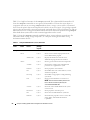
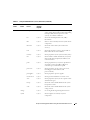
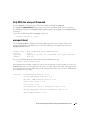
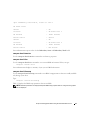
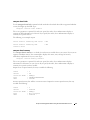
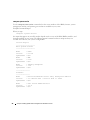
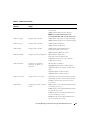
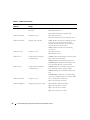
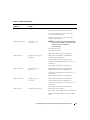
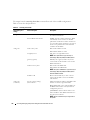
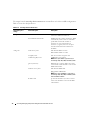
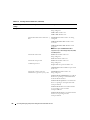
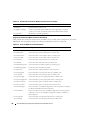
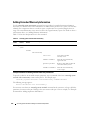
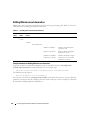
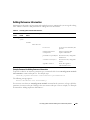
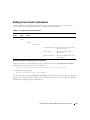
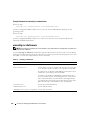
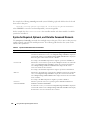
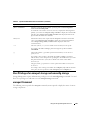
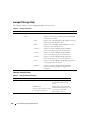
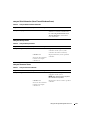
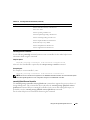
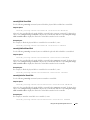
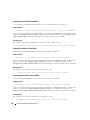
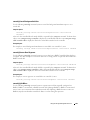
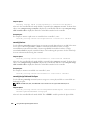
The output from the omreport system pedestinations command lists each of the valid parameters.
NOTE: The actual number of destinations that can be configured on your system may differ.
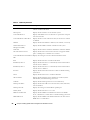
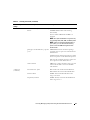
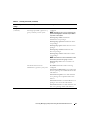
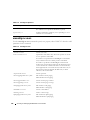
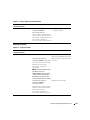
Table 3-7 shows the available settings.
Table 3-7.
omreport system pedestinations
Output
Attributes
Description
Destination List
Destination Number: Destination1
destination 1: Displays the first
destination.
Destination IP Address: 101.102.103.104
101.102.103.104: IP address of the first
destination.
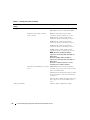
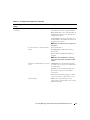
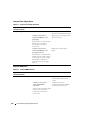
Destination Number: Destination 2
destination 2: Displays the second
Destination IP Address: 110.120.130.140 destination.
110.120.130.140: IP address of the
second destination.
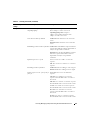
Destination Number: Destination 3
destination 3: Displays the third
Destination IP Address: 201.202.203.204 destination.
201:202:203:204: IP address of the third
destination.
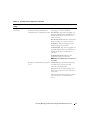
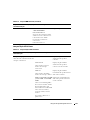
Destination Number: Destination 4
destination 4: Displays the fourth
destination.
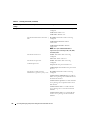
Destination IP Address: 210.211.212.213
210.211.212.213: IP address of the fourth
destination.
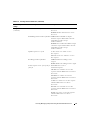
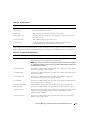
Destination
Configuration
Settings
attribute=communitystring
communitystring: Displays the text
string that acts as a password and is used
to authenticate SNMP messages sent
between the baseboard management
controller (BMC) and the destination
management station.
omreport: Viewing System Status Using the Instrumentation Service
43