Download
Dell Active System Manager Version 7.1 Solution Guide
1
2
3
4
5
6
7
8
9
10
11
12
13
14
15
16
17
18
19
20
21
22
23
24
25
26
27
28
29
30
31
32
33
34
35
36
37
38
39
40
41
42
43
44
45
46
47
48
49
50
51
52
53
54
55
56
57
58
59
60
61
62
63
64
65
66
67
68
69
70
71
72
73
74
75
76
77
78
79
80
81
82
83
84
85
86
87
88
89
90
91
92
93
94
95
96
97
98
99
100
101
Transcript
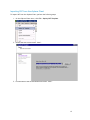
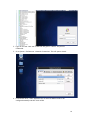
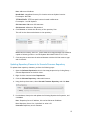
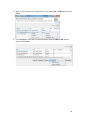
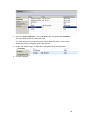
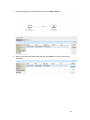
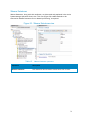
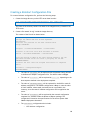
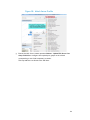
1. Select the VM object in the template and click the Image Files tab.
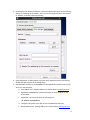
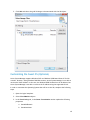
2. Select the already associated image file and click Remove to remove the existing
association.
61