1
APPENDIX
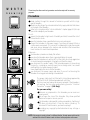
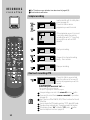
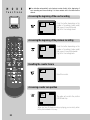
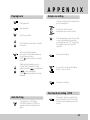
Playing back
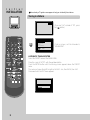
Start playback.
Stop playback.
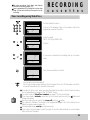
Simple recording
Load a cassette with its safety tab in
place (see page 21).
Choose the station whose
programme you want to record.
Eject the cassette.
Fast forward or rewind the cassette
from stop.
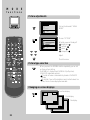
Still picture from playback.
Each press of the button advances
the picture one frame.
PLAY ( ) switches back to normal
playback.
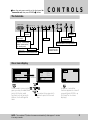
Starting from playback you can
control search speed in 2 steps
) or backwards
either forwards (
) . Press repeatedly.
(
PLAY ( ) switches back to normal
playback.
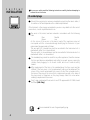
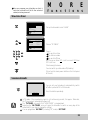
If the programme you wish to record
is very long, double the possible
recording time with “LP” (Long Play).
Up to eight hours with an E240
cassette.
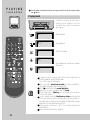
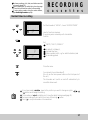
Start your recording
If you wish to interrupt recording
briefly - then continue.
Stop your recording.
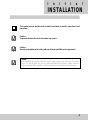
One touch recording = OTR
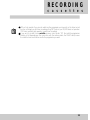
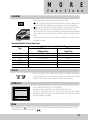
Auto tracking
If you press the A.TRK key in
PLAYBACK mode, the TVCR will
operate the auto traking function
again.
Choose the station you want and
press the button once for every 30
minutes of programme you wish to
record.
29