1
Chapter 7 Configuring STP and RSTP
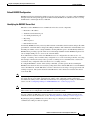
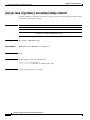
Configuring the Forwarding-Delay Time for a Bridge Group
Configuring the Forwarding-Delay Time for a Bridge Group
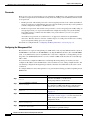
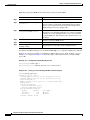
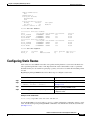
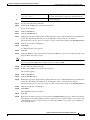
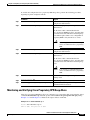
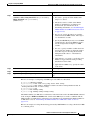
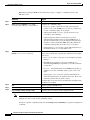
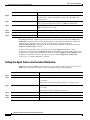
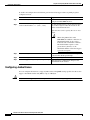
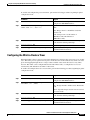
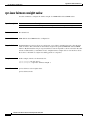
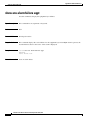
Beginning in privileged EXEC mode, follow these steps to configure the forwarding-delay time for a
bridge group:
Command
Purpose
Step 1
Router# configure terminal
Enters global configuration mode.
Step 2
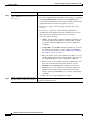
Router(config)# bridge
bridge-group-number
forward-time seconds
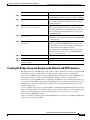
Configures the forward time of a VLAN. The forward delay is the
number of seconds a port waits before changing from its
spanning-tree learning and listening states to the forwarding state.
For seconds, the range is 4 to 200; the default is 15.
Step 3
Router(config)# end
Returns to privileged EXEC mode.
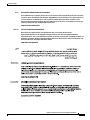
To return the switch to its default setting, use the no bridge bridge-group-number forward-time seconds
command.
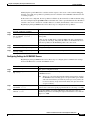
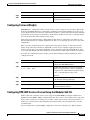
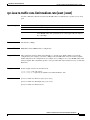
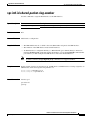
Configuring the Maximum-Aging Time for a Bridge Group
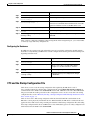
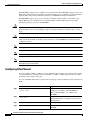
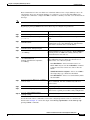
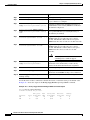
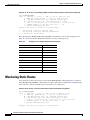
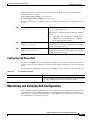
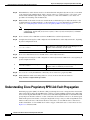
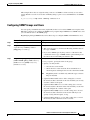
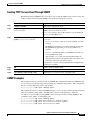
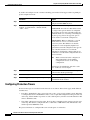
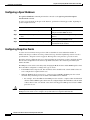
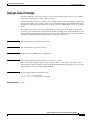
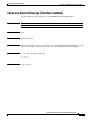
Beginning in privileged EXEC mode, follow these steps to configure the maximum-aging time for a
bridge group:
Command
Purpose
Step 1
Router# configure terminal
Enters global configuration mode.
Step 2
Router(config)# bridge
bridge-group-number max-age
seconds
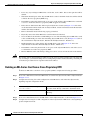
Configures the maximum-aging time of a bridge group. The
maximum-aging time is the number of seconds a switch waits
without receiving spanning-tree configuration messages before
attempting a reconfiguration.
For seconds, the range is 6 to 200; the default is 20.
Step 3
Router(config)# end
Returns to privileged EXEC mode.
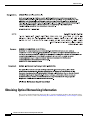
To return the switch to its default setting, use the no bridge bridge-group-number max-age seconds
command.
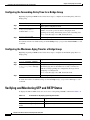
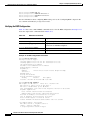
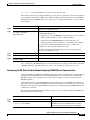
Verifying and Monitoring STP and RSTP Status
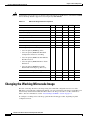
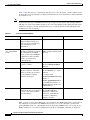
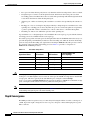
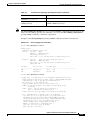
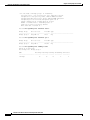
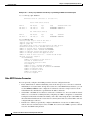
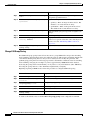
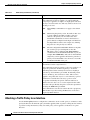
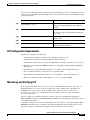
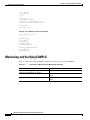
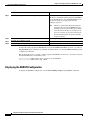
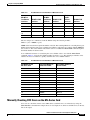
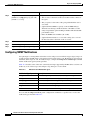
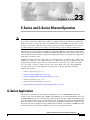
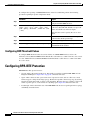
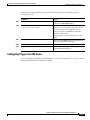
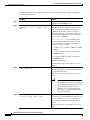
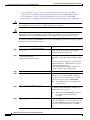
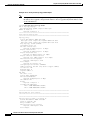
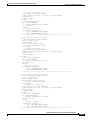
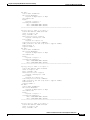
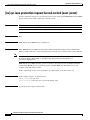
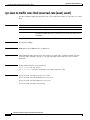
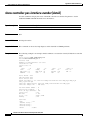
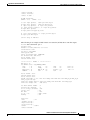
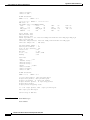
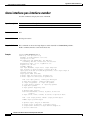
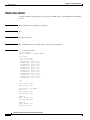
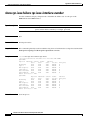
To display the STP or RSTP status, use one or more of the privileged EXEC commands in Table 7-6:
Table 7-6
Commands for Displaying Spanning-Tree Status
Command
Purpose
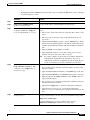
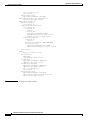
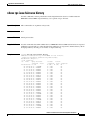
ML_Series# show spanning-tree
Displays detailed STP or RSTP information.
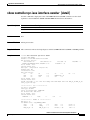
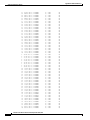
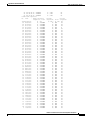
ML_Series# show spanning-tree
brief
Displays summary of STP or RSTP information.
Ethernet Card Software Feature and Configuration Guide, R7.2
7-20
January 2009