1
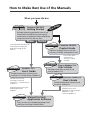
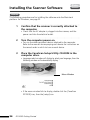
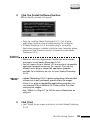
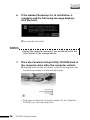
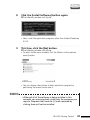
Windows
Macintosh
○
6
○
○
○
○
○
○
○
○
○
○
○
○
○
○
○
○
○
○
○
○
○
○
○
○
○
○
○
○
○
○
○
○
○
○
○
○
○
○
○
○
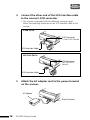
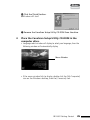
Attach the power cord to the AC adapter.
Power Cord
○
7
○
○
○
○
○
○
○
○
○
○
○
○
○
○
○
○
○
○
○
○
○
○
○
○
○
○
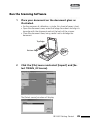
Close the document cover. Plug the power cord
into an electrical outlet.
• Ensure that the document cover is closed before you plug in the
power cord.
• To provide the convenience of continuous standby operation, this
equipment does not feature a power switch. It powers up as soon
as the power cord is plugged in. However, it is equipped with
power-saving features so that the unit may be left on under normal
operating conditions.
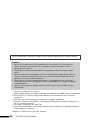
WARNING
• Do not use an AC adapter other than the one supplied with
the scanner. Other adapters may damage the equipment.
• Always attach the AC adapter plug to the scanner first before
plugging in the power cord plug to the electrical outlet.
Reversing this order may lead to malfunctions.
• To power down the scanner, first turn off the computer and
other peripheral devices before unplugging the scanner’s
power cord plug from the electrical outlet.
You are now ready to install the software.
FB1200S Getting Started
19