1
Scanning with ScanGear Toolbox CS
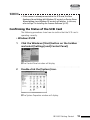
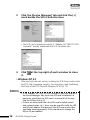
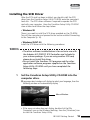
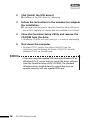
Windows
Macintosh
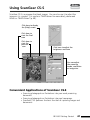
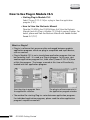
ScanGear Toolbox CS is a software which makes scanning easier. You can easily
scan just by clicking the buttons in ScanGear Toolbox CS. The scanned images will
be loaded automatically into the selected application program. You can also copy
images.
(1) For example, click
the [Copy] button
(2) the document is
automatically scanned
(3) Print directly with
the printer
Convenient at Times Like These
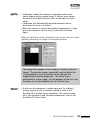
• When you want to fax or E-mail the scanned images.
• When you want to copy using the scanner and printer.
• When you want to edit the scanned images in the selected
application program.
How to Use ScanGear Toolbox CS
• Starting ScanGear Toolbox CS
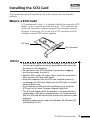
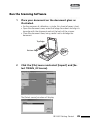
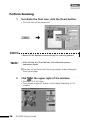
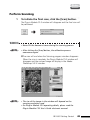
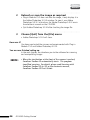
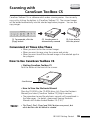
Push the button at the front of the scanner.
Start Button
• How to View the Electronic Manual
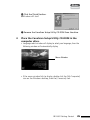
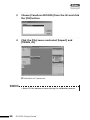
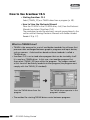
Place the CD-ROM in the CD-ROM drive, click [View the Electronic
Manuals] and select [ScanGear CS-S] and [Using ScanGear Toolbox
CS].
• NOTE •
• The [Fax], [e-mail] and [Copy] buttons are preset, but other
buttons can be added as needed.
FB1200S Getting Started
49