1
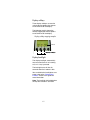
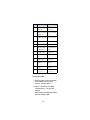
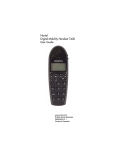
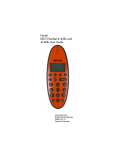
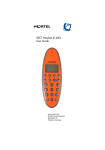
The types of information shown on
the display are:
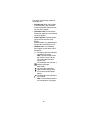
• Standby text: When the handset
is on hook (idle), your extension
name and number appears on the
first line of the display.
• Information text: Call or feature
information appears on the second
line of the display.
• Feature options: Feature options
appear on the third line of the
display.
Feature options vary, depending on
the type of call or feature in use.
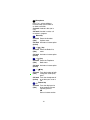
• Handset icons: The following
icons appear on the fourth line of
the display:
(((.))) The radio signal icon indicates
connection to system.
Note: The icon flashes when
the system is busy and you
will not be able to make or
answer calls.
The envelope icon indicates a
new text message
(MSF-MAIL).
Left and right arrow icons
appear on the display when
you access Handset option
menus.
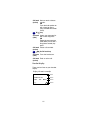
The telephone icon indicates a
call is active.
Note: The icon flashes when a
call connection is in progress.
16