1
Configuring BGP Peers
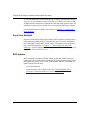
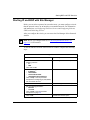
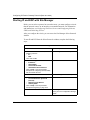
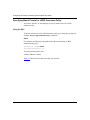
Verifying MD5 Signatures on Received BGP TCP Packets
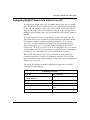
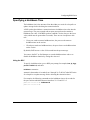
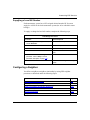
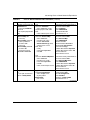
Upon receiving a packet, TCP performs three tests.
•
If a packet passes a test, it proceeds to the next test. When a packet has passed
all three tests, TCP accepts the packet and sends it to BGP.
•
If a packet fails a test, TCP logs an event, increments the count of TCP
connection errors (wfTcpConnMd5Errors), and discards the packet. The TCP
connection remains open.
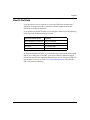
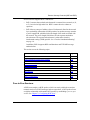
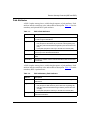
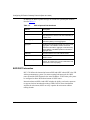
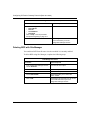
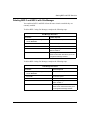
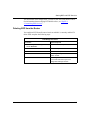
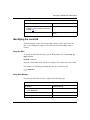
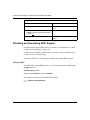
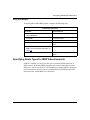
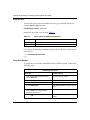
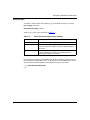
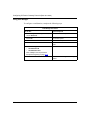
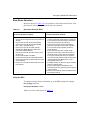
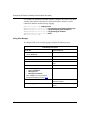
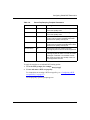
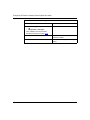
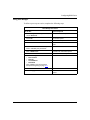
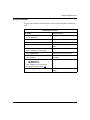
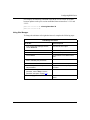
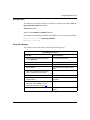
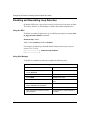
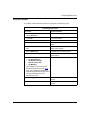
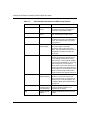
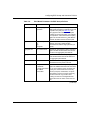
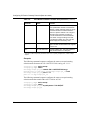
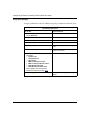
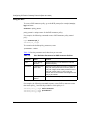
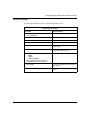
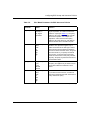
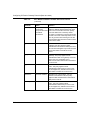
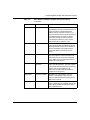
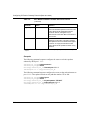
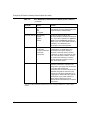
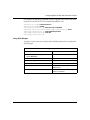
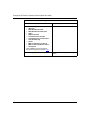
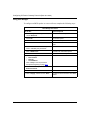
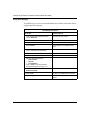
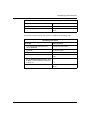
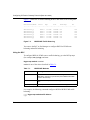
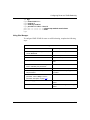
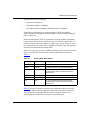
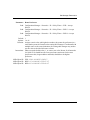
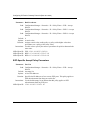
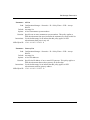
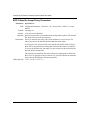
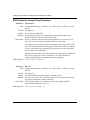
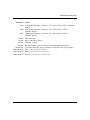
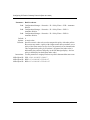
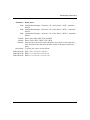
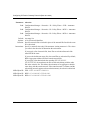
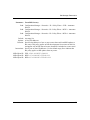
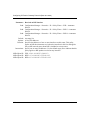
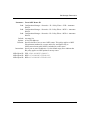
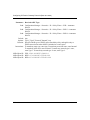
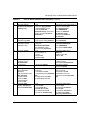
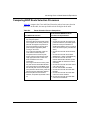
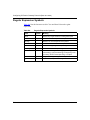
Table 4-1 lists the tests and the event message that TCP logs if a test fails.
Table 4-1.
MD5 Signature Verification Rules on BGP TCP Packets
Condition Tested
Action on Success
Failure Event Message
Is the connection configured for MD5
authentication?
Verify that the packet contains
a kind=19 option.
TCP MD5 No Signature
Is MD5 authentication enabled for this TCP computes the expected
TCP connection?
MD5 signature.*
TCP MD5 Authentication
Disabled
Does the computed MD5 signature
match the received MD5 signature?
TCP MD5 Invalid Signature
TCP sends the packet to BGP.
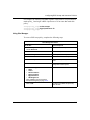
* For information about signatures, see “Generating MD5 Signatures on Transmitted BGP TCP Packets” on page 4-24.
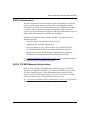
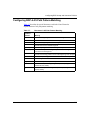
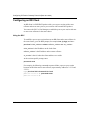
Configuring BGP-4 Authentication
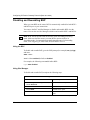
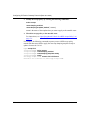
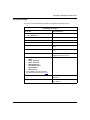
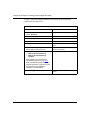
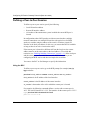
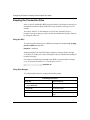
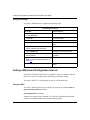
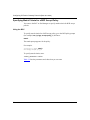
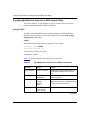
You can use the BCC or Site Manager to configure BGP-4 authentication.
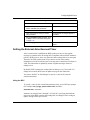
Note: You must use the Technician Interface secure shell to enter the message
encryption key/node protection key (NPK/MEK) value before you set the
MD5 authentication parameters. For information about the Technician
Interface secure shell, see Configuring IPsec Services.
308628-15.0 Rev 00
4-25