1
Chapter 7 Sending messages
Wayne, Pat
OPTS
CC
SEND
0 new 8 saved
PLAY
REC
ADMIN
9
53
£
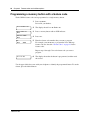
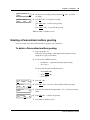
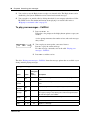
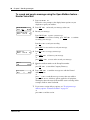
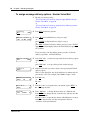
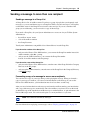
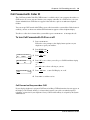
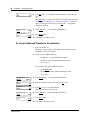
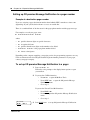
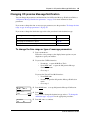
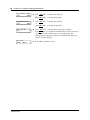
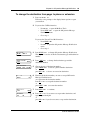
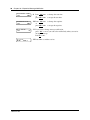
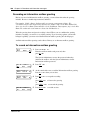
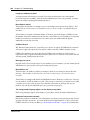
Press SEND or
to send the message now
or
press
to cancel all delivery options.
10 Press
¥
¨
to end the session.
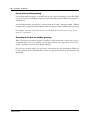
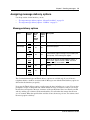
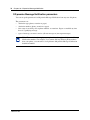
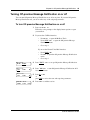
For more information about the message delivery refer to “Message delivery options” on page 51.
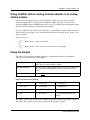
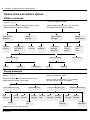
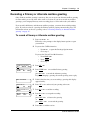
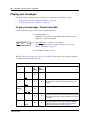
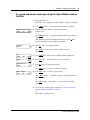
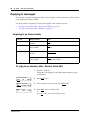
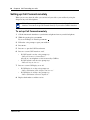
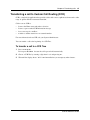
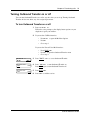
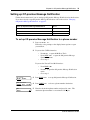
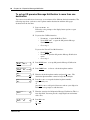
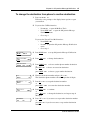
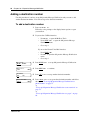
To assign message delivery options - CallPilot
Msg options
URG
PRIV
OTHR
1
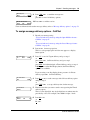
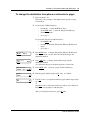
Record your message using
“To record and send a message using the Open Mailbox feature CallPilot” on page 47
or
“To record and send a message using the Leave Message feature CallPilot” on page 48.
2
Press
for message options.
This is a voice prompt option and does not appear as a display
button option.
3
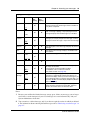
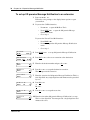
Press URG or
for Urgent delivery and go to step 9
or
press PRIV or
for Private delivery and go to step 9
or
press OTHR for Acknowledged or Timed delivery and go to step 4.
If ACK appears on the third display button, the Timed delivery
option is not available.
àâ
Ú
Ý
ß
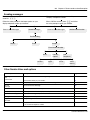
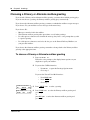
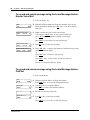
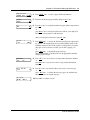
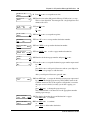
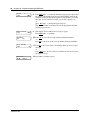
If you are using a one line display phone, press
delivery or press
for Timed delivery.
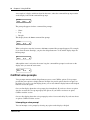
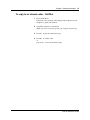
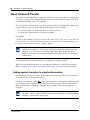
Msg options
ACK
TIME
TIme hhmm:
RETRY
hh:mm
RETRY
AM
PM
Þ
for Private
Þ
ß
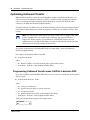
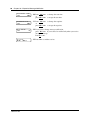
4
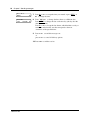
Press ACK or
to send a message with a Private delivery option
and go to step 9
or
press TIME or
to set up a delivery time for the message.
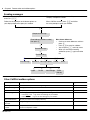
5
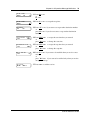
Enter the time that you want to send a message using the Timed
delivery option.
This is a four digit field. Any single-digit hour or minute must be
preceded by a zero. For example, enter 0800 for eight o’clock.
6
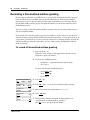
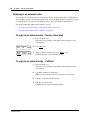
Press AM or
or
PM or
.
Û
Ú
CallPilot Reference Guide