1
Chapter 9 Transferring calls
69
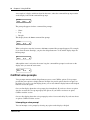
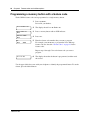
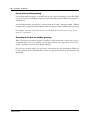
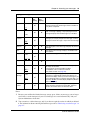
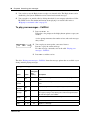
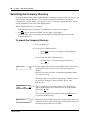
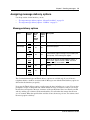
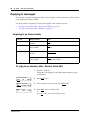
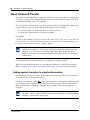
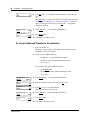
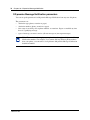
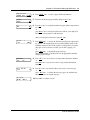
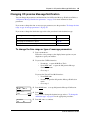
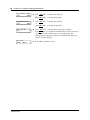
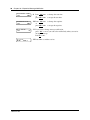
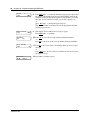
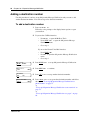
Adding special characters to a destination number
Press
Description
Û
or DIGS
to resume adding digits to the destination phone number
Ü
or PAUS
to enter a timed pause that appears as
P on the display. Pauses are four seconds long.
to recognize dial tone (behind PBX). The Recognize Dial Tone special character
appears as D on the display.
Ý
Þ
or OTHR #
to enter a #
ß
or OTHR *
to enter a *
TONE
¥
to recognize dial tone (behind PBX). The Recognize Dial Tone special character
appears as D on the display.
to cancel and retry
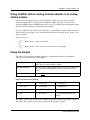
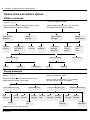
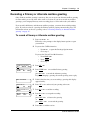
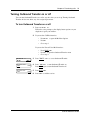
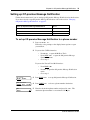
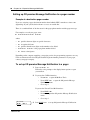
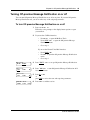
Setting up Outbound Transfer
²á¡Ú
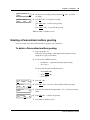
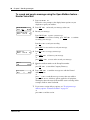
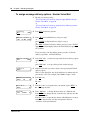
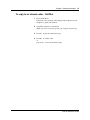
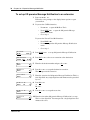
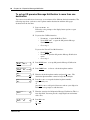
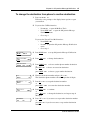
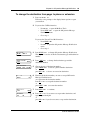
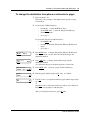
To set up Outbound Transfer to a phone number
1
Press
.
Follow the voice prompts or the display button options to open
your mailbox.
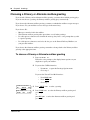
2
If you use the CallPilot interface:
•
•
•
¡â
á
to open the Mailbox Options
Press
to open the Outbound Transfer menu
Press
Go to step 3
¡
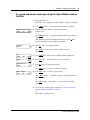
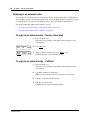
If you use the NorstarVoice Mail interface:
•
•
•
¡
Ú
Press ADMIN or
Press
to open the Outbound Transfer menu
Go to step 3
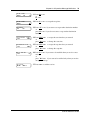
Outbound xfr
ADMIN SELECT
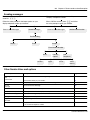
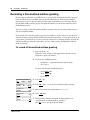
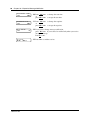
3
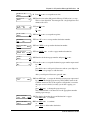
Press ADMIN or
to set up Outbound Transfer
or
if you have previously set up Outbound Transfer press CHNG.
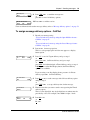
Destination:
PHONE EXT
4
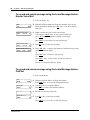
Press PHONE to select an external phone as the destination.
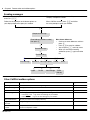
5
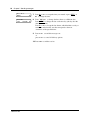
Enter the destination phone number and press OK or
Ph:
RETRY
OK
£
.
CallPilot Reference Guide