1
Chapter 45 Configuring VoIP trunk gateways
421
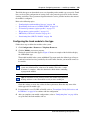
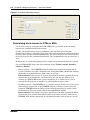
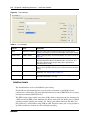
You must also set up target lines when you use these trunks.
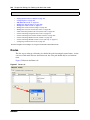
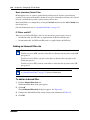
The following path indicates where to set up target lines in Element Manager:
•
Element Manager: Configuration > Telephony > Lines > Target Lines
Prerequisites
Complete the following prerequisites checklist before configuring the modules.
The gateway and IP network is set up correctly. Refer to the following
procedures:
• “Configuring VoIP trunk media parameters” on page 416
• “Setting up the local gateway” on page 416
• “Setting up remote gateways” on page 418
• “VoIP interoperability: Gatekeeper configuration” on page 423
Obtain all relevant central office/service provider information for the type of
trunk.
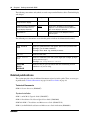
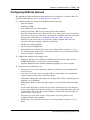
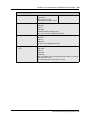
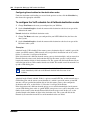
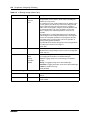
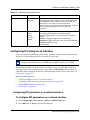
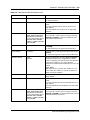
Configuring VoIP line features
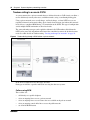
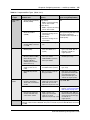
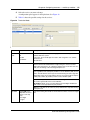
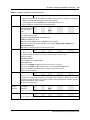
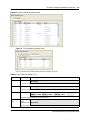
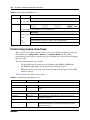
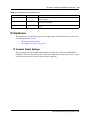
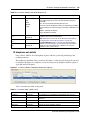
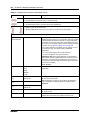
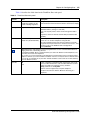
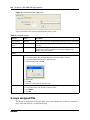
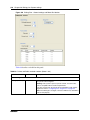
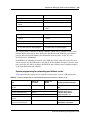
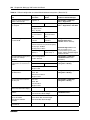
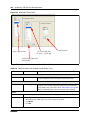
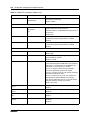
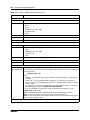
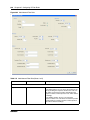
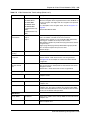
The following procedure describes the fields that need to be confirmed or set for these lines. For
detailed field descriptions, refer to “Configuring lines” on page 165.
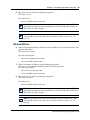
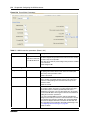
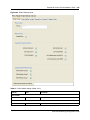
1
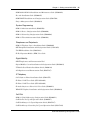
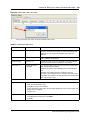
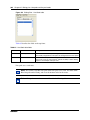
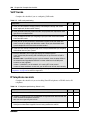
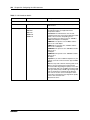
Confirm or change the settings on the Line/Trunk main panel:
•
•
•
•
•
•
•
•
•
2
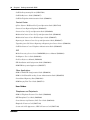
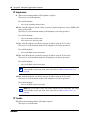
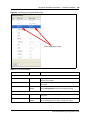
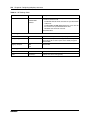
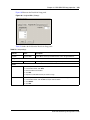
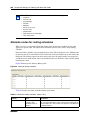
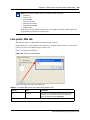
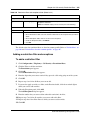
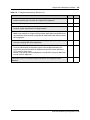
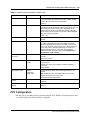
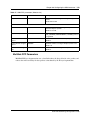
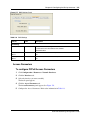
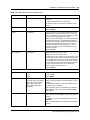
On the bottom panel, under the restrictions tab:
•
3
Line: Unique number
Trunk type: VoIP
Name: identify the line or line function
Control Set: identify a DN if you are using this line with scheduling.
Line Type: define how the line will be used. If you are using routing, ensure it is put into
Pool (A to F)
Prime Set: If you want the line to be answered at another telephone if the line is not
answered at the target telephone, otherwise, choose None.
Pub. Received #: Not applicable
Priv. Received #: Not applicable
Distinct Ring: If you want this line to have a special ring, indicate a pattern (2, 3, 4, or
None).
Use remote package: If this line is used for remote call-ins or is part of a private network,
ensure you specify a valid remote package.
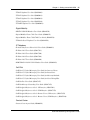
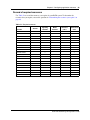
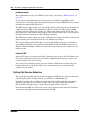
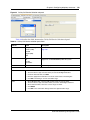
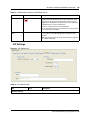
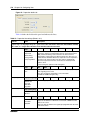
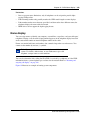
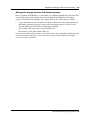
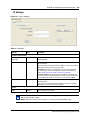
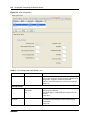
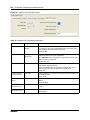
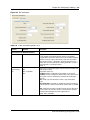
Configure the trunk/line data:
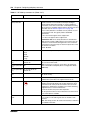
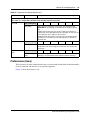
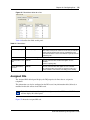
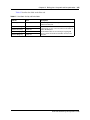
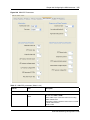
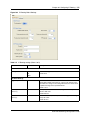
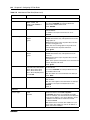
In the top panel ensure a loop trunk is selected. In the bottom panel, select the preferences tab.
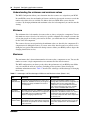
•
Aux. ringer: If your system is equipped with an external ringer, you can enable this setting
to allow this line to ring at the external ringer.
BCM 4.0 Networking Configuration Guide