1
570
Chapter 63 Configuring Net Link Manager
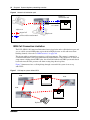
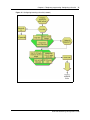
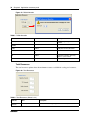
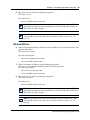
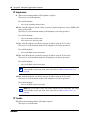
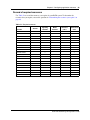
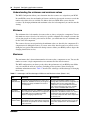
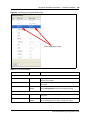
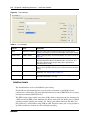
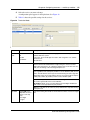
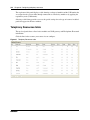
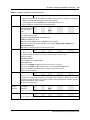
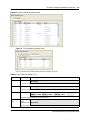
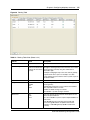
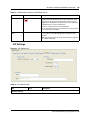
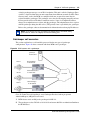
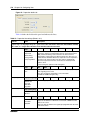
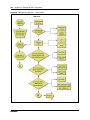
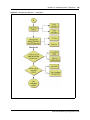
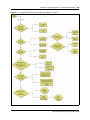
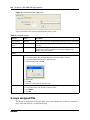
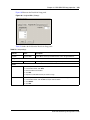
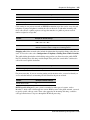
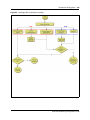
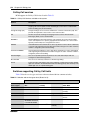
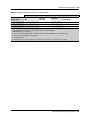
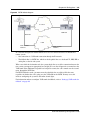
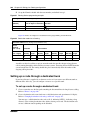
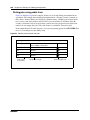
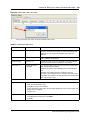
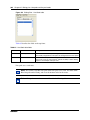
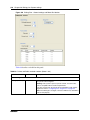
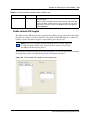
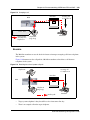
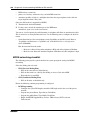
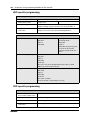
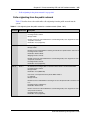
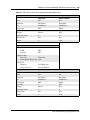
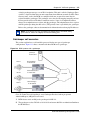
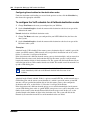
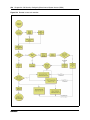
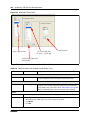
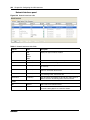
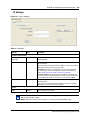
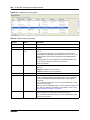
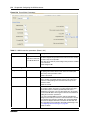
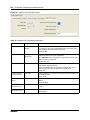
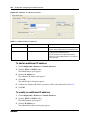
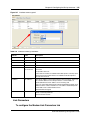
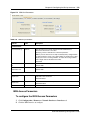
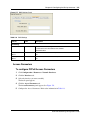
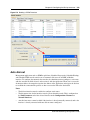
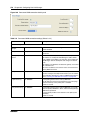
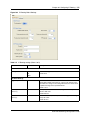
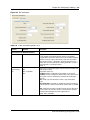
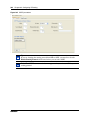
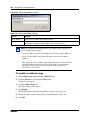
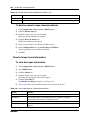
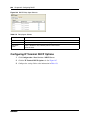
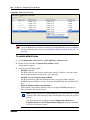
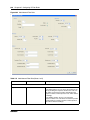
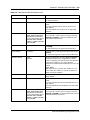
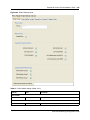
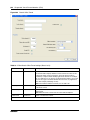
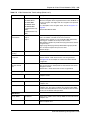
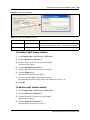
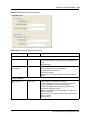
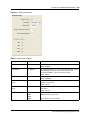
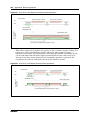
Figure 180 Permanent WAN connection details panel
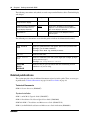
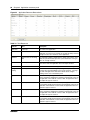
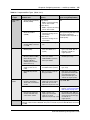
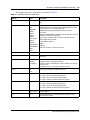
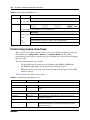
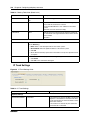
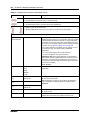
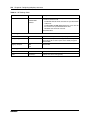
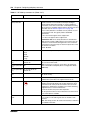
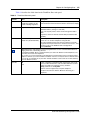
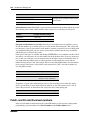
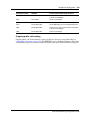
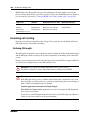
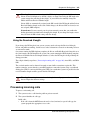
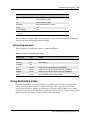
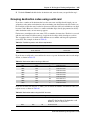
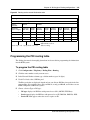
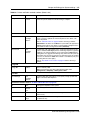
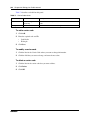
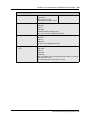
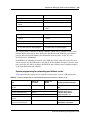
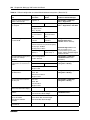
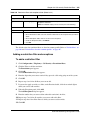
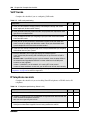
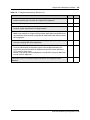
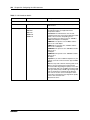
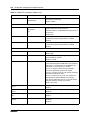
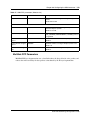
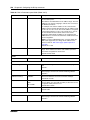
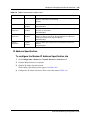
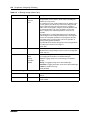
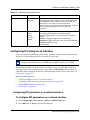
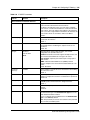
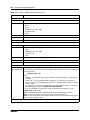
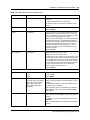
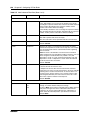
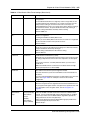
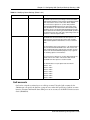
Table 134 Permanent WAN connection settings (Sheet 1 of 2)
Attribute
Value
Description
Enable net link
Manager
<check box>
Enable or disable Net Link Manager.
Default: Enabled
Primary interface
<drop-down list>
Select whether the primary interface is a Permanent or Dialup
connection.
Next hop on primary
interface
<IP address>
Enter the IP address (in dot format) of the next hop router.
This address is used by Net Link Manager to add a default
route in BCM. If this address ever becomes unreachable, Net
Link Manager dials the backup link and changes the default
route.
This address also identifies the default IP gateway associated
with a default route.
This is the IP address of the remote router connected via the
primary WAN connection.
Backup interface
<drop-down list>
Select which interface to use for WAN backup.
You must configure a backup interface before you can select it.
For information about how to create an ISDN backup interface,
refer to “Creating an ISDN dial out interface” on page 550.
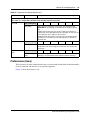
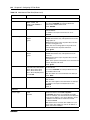
Up poll interval (s)
<0- 3600000>
Set the polling interval on the Primary WAN Link.
The Up poll interval is the interval between successive pings
when the next hop on the primary link is available.
Default: 5 seconds
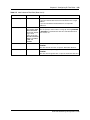
Net Link Manager
Down poll interval (s) <0- 3600000>
N0060606
Set the polling interval on the Primary WAN Link, in seconds,
when the primary WAN link is down, and the backup (dial-up)
WAN link is operational.
A short interval provides faster detection of the primary link
availability.
Default: 5 seconds