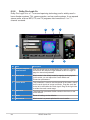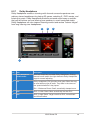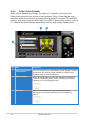
1
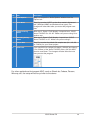
No
Item
Description
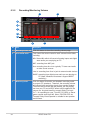
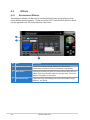
1
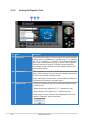
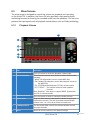
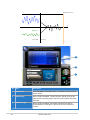
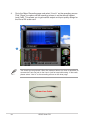
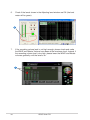
Audio Options
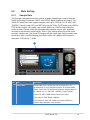
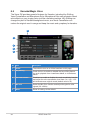
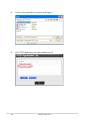
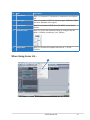
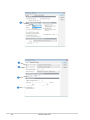
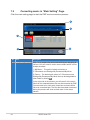
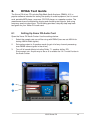
Step 1 is to open the “Audio Options” window from the
Options tab.
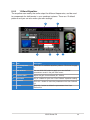
2
Driver Mode
Step 2 is to select “ASIO” as the driver mode in Advanced
tab. (WDM and MME are Windows driver types) The
changes will take effect after you restart the program next
time.
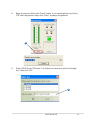
3
Playback Timing
Master
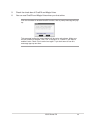
After step 2, Sonar LE will display 4 output drivers: “ASUS
Xonar DX ASIO Out -00~06”. Make sure you are using 00 or
another one.
4
Recording Timing
Master
After step 2, Sonar LE will display 1 input driver: “ASUS
Xonar DX ASIO In -00”. Make sure you are using it.
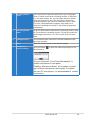
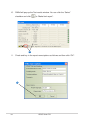
5
Sample Rate
Step 5 is to select the default file sample rate (44.1, 48, 96,
or 192KHz) for your Sonar project.
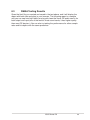
6
ASIO Panel
If you would like to configure bit-depth (16/24bit) and latency
(1ms~300ms) of the Xonar DX ASIO driver, click this ASIO
panel to reset them. The changes will take effect the next
time you start the program.
For other applications that support ASIO, such as WaveLab, Cubase, Reason,
Winamp, etc, the setup will be very similar to the above.
ASUS Xonar DX
49