1
100NMM PM book Page 17 Wednesday, August 27, 1997 12:40 PM
Enabling/Disabling Ports
Enabling/Disabling Ports
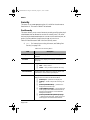
The enabling or disabling of a port is a manual operation that can be
used to isolate network devices possibly causing problems on the network or to prevent unauthorized use of a port or station.
To enable or disable a port:
1
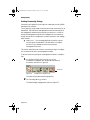
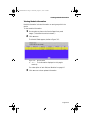
Click Ports.
You do not need to select any particular item on the front
panel image.
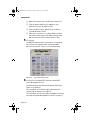
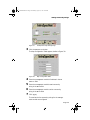
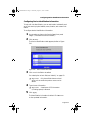
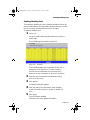
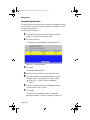
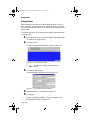
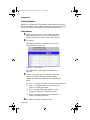
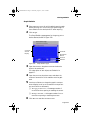
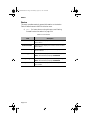
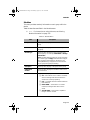
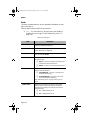
The Port Table appears, similar to Figure 3-15.
Figure 3-15
Port Table
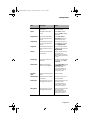
The Port Table displays the current status of each port on
each group within the device. The table contains a
scroll bar that is independent of the browser, which
allows you to view information on all ports in the device.
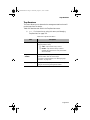
2
3
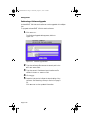
Select the port to be enabled or disabled by clicking
once on the port’s row.
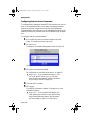
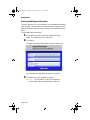
Click Modify.
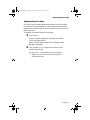
The Modify Dialog box appears.
4
5
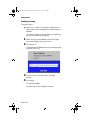
Open the Admin State drop-down menu and select
enable (to enable the port) or disable (to disable the
port).
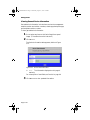
Click Apply.
The port’s state is modified.
Click Refresh to view updated information.
Page 3-17