1
"
"
)
Setting up the Subnet
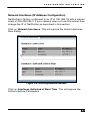
Figure 3-11: Selecting Network
Click on the current IP address as shown above to expose the DHCP
subnet settings
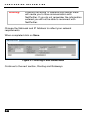
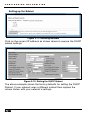
Figure 3-12: Setting the DHCP Subnet
The above example shows the factory defaults for setting the DHCP
Subnet. If your network uses a different subnet then replace the
values shown with your network’s settings.
% -