1
SYSTEM MENU
OPERATION
Anritsu 68/69000 Synthesized Sweep Generator
HORIZ OUT
10 MHz
REF IN
NOTE: USE SLOW BLO FUSES ONLY
10 MHz
REF OUT
!
HORIZ
OUT
HEAVY WEIGHT
SEQ
SYNC
OUT
LINE
SELECT
!
ML2430A Series Power Meter
CAUTION
DIGITAL INPUT 1
DO NOT OPERATE
WITH POWER CORD
UNGROUNDED
EXT
ALC
IN
INPUT
90 - 132VAC
180 - 264VAC
48 - 440Hz
DWELL
IN
V/GHz
OUT
110
220V
2.5A
110V
5A
220
AUX I/O
CAUTION
> 18 kg
ANALOG INPUT 2
IEEE-488 GPIB
SERIAL
I/O
SEQ SYNC OUT
BNC Cables
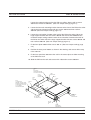
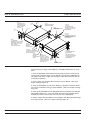
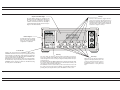
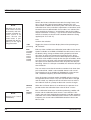
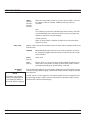
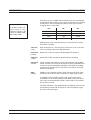
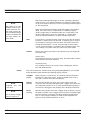
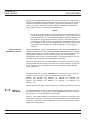
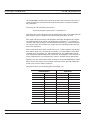
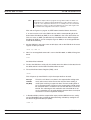
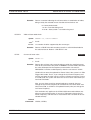
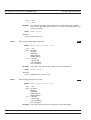
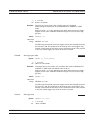
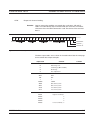
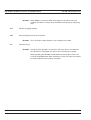
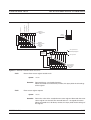
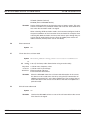
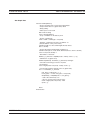
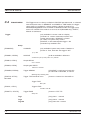
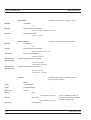
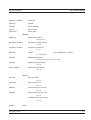
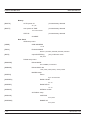
Figure 4-5. Source Sweep Mode Interconnection Example
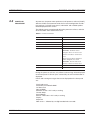
If the source used does not provide a blanking output, the blanking signal may be
disabled as follows: select System|Rear Panel|BNC. Select PORT until INPUT 1
(digital) is selected, then select TTL Level to alter the active state of the blanking
signal expected. Setting the TTL Level to LOW will allow the Source sweep to
progress without a Blanking signal. This is useful for third party sources or simple
VTO systems. If a Source Sweep is later selected which does provide a blanking
signal, remember to restore the polarity of this signal to HIGH or an incorrect display will result. Operating a source sweep which has BANDSWITCH blanking delays in it without an appropriate blanking signal may lead to glitches in the
resulting measurement at the bandswitch points (simple VTO systems do not
usually have bandswitch points).
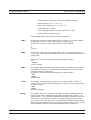
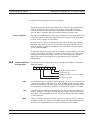
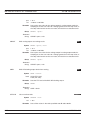
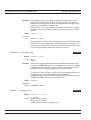
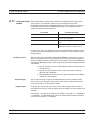
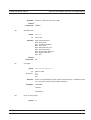
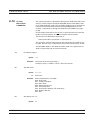
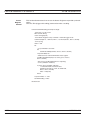
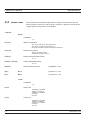
Source sweep operation mode includes the following display controls:
NOTE
If either Min&Max, Min,
or Max is selected, the
display will keep the
“old” data and may appear stationary. The
DATA HOLD mode in
use is displayed on the
left of the screen, below
the middle value of the
y axis.
4-24
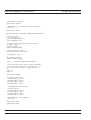
CHANNEL
[GRMD]
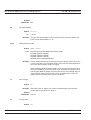
Select Channel 1 or Channel 2. The channel selected will be displayed on the left of the screen, above the middle value of the y
axis.
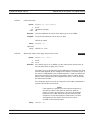
DATA HOLD
[GRPIX]
This selects how the graph is displayed on the screen. Select from
NORMAL, Min&Max, Min, or Max.
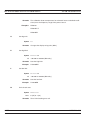
With Min & Max selected, the minimum and maximum points for
each sample are shown. If Connect Points is ON (SYSTEM|Graphics|CONNECT), a vertical bar is drawn between these points. Min
displays only the minimum for this sample. Max displays only the
maximum for this sample.
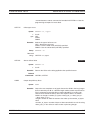
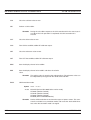
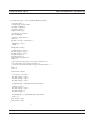
MODE
[SRCMOD]
Source sweep mode: FREQUENCY or POWER.
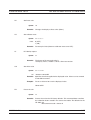
START
Sweep start frequency (MHz or GHz) or power (dBm)
[SRCSTFRQ
SRCSTPWR]
ML2430A OM