1
Saving for a Rainy Day
“How To”
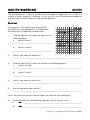
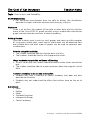
The following will demonstrate how to enter a given formula into the GRAPH
module the Casio fx-9750GII, graph the data, and use G-Solve to find x- and yvalues.
Example Formulas:
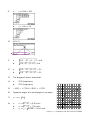
⎛1+ r⎞
A = P⎜
⎟
⎝ n ⎠
A = nP
(1+r)n
n
where n = 4, P = 100, and r = x
where n = x, P = 1000, and r = 0.05
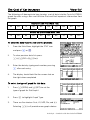
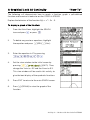
Steps for using the GRAPH Menu:
1.
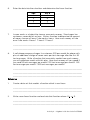
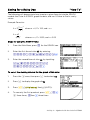
From the Main Menu, press 3 for the GRAPH icon.
2.
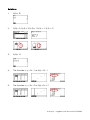
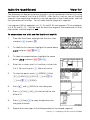
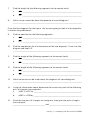
Enter the first formula into Y1: by entering:
1000(1+fz4)^4l.
3.
Enter the second formula into Y2: by inputting:
(fm1000)M((
1+.05)^f)l.
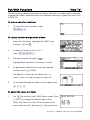
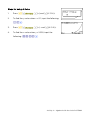
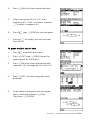
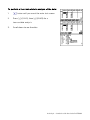
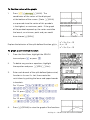
To select the viewing window for the graph of this data:
1.
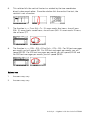
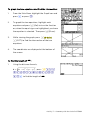
Press the B once, then press q to deselect Y2:
2.
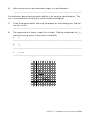
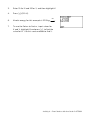
Press u to display the graph of YI:.
3.
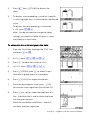
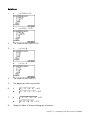
Press Lw(V-Window), theny(AUTO).
4.
To see only the first quadrant, press Le0l
N three times, 0thenl three times.
Activity 2 • Algebra II with the Casio fx-9750GII