1
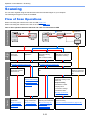
Operation on the Machine > Scanning
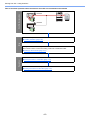
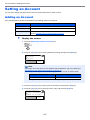
Scan the Image to the Specified Destination
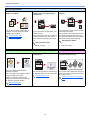
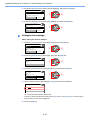
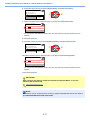
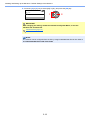
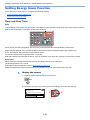
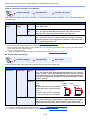
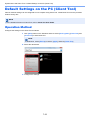
It is easy to scan from the operation panel on the machine. Before using this function, you need to preset the destination
folder where to save scanned image and image quality using Client Tool. Refer to Default Settings on the PC (Client
Tool) on page 7-22.
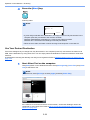
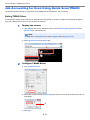
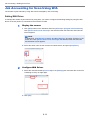
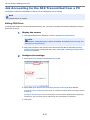
Use the Preset Scan Destination
Save the scanned image in the preset scan destination. My Documents is set for the destination. Scanning can be
performed without preparing the destination.
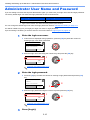
1
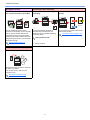
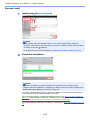
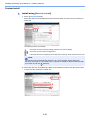
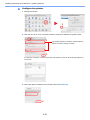
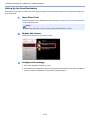
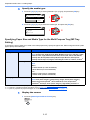
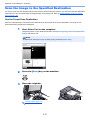
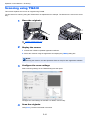
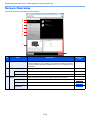
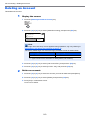
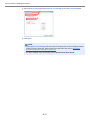
Start Client Tool on the computer.
Click [Start] button on the Windows and then select [All Programs], [Client Tool] and [Client
Tool] to start Client Tool.
NOTE
In Windows 8, select [Search] in charms, [Apps], and then [Client Tool].
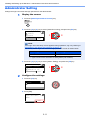
2
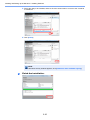
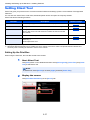
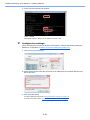
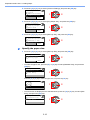
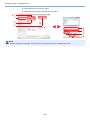
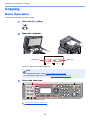
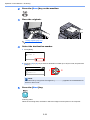
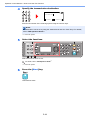
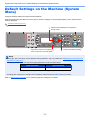
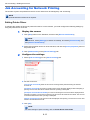
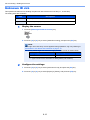
Press the [Scan] key on the machine.
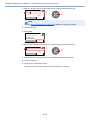
3
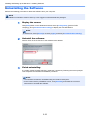
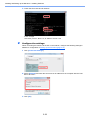
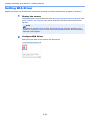
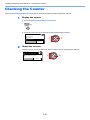
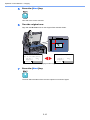
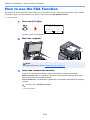
Place the originals.
Loading Originals (page 5-2)
5-37