1
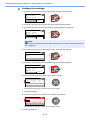
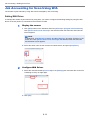
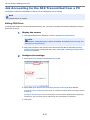
Job Accounting > Setting an Account
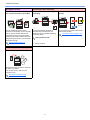
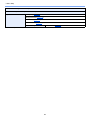
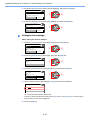
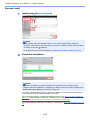
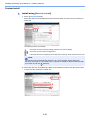
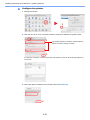
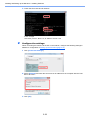
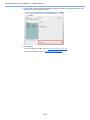
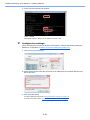
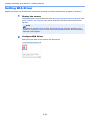
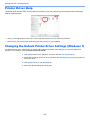
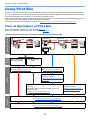
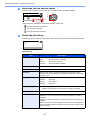
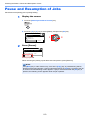
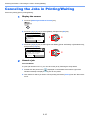
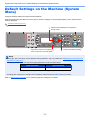
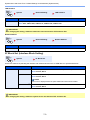
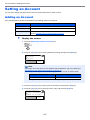
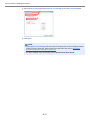
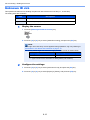
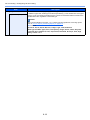
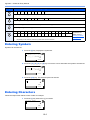
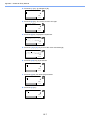
3 Select [Job accounting] and [Prompt for account ID] on the [Job Accounting] tab.
1
2
3
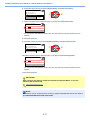
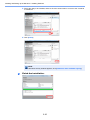
4 Click [OK].
NOTE
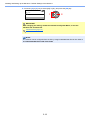
• If [Prompt for account ID] is set, the screen for entering the Account ID appears when
printing from the Client PC. When printing from the Client PC, refer to Password
Protect Administrator Settings on page 8-22.
• For other settings of job accounting, refer to Printer Driver User Guide.
8-11