1
System Menu and Client Tool > Default Settings on the PC (Client Tool)
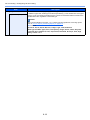
Item
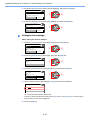
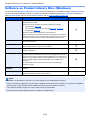
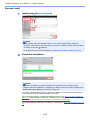
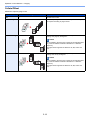
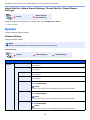
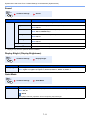
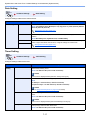
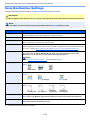
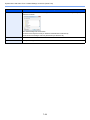
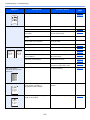
Density
Description
Select the density.
Value: Lighter (-3), Lighter (-2), Lighter (-1), Normal (0), Darker (+1), Darker (+2), Darker (+3)
To automatically set the density depending on the density of originals, select the [Auto] checkbox.
(This item can be set only if [Monochrome] is set for Scan color.)
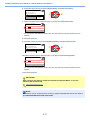
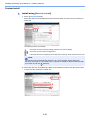
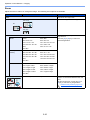
Resolution
Select fineness of scanning resolution.
Value:
200×200 dpi
300×300 dpi
400×400 dpi
600×600 dpi
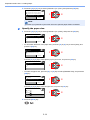
NOTE
[400×400dpi] and [600×600dpi] can be set only if [Monochrome] is set for Scan color.
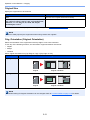
Reverse image
When this is selected, the image color reverses.
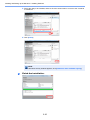
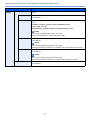
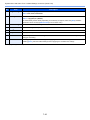
File name
Assign a document name to scanned images. When there are multiple pages, a three-digit
incrementing number such as Scan_001, Scan_002... is appended to the end of the file name. Up to
16 characters can be entered.
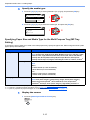
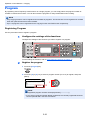
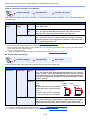
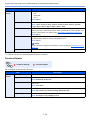
File format
Specify the image file format.
Value: BMP, JPEG, PNG, TIFF, PDF, High-Compression PDF, CCITT Group 4, Image Mask, HighCompression PDF, JBIG2, Mask + Image Mask
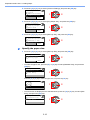
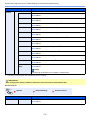
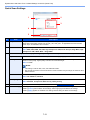
File format settings (The item displayed changes depending on the value specified for File format.)
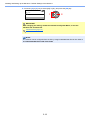
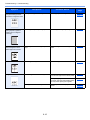
Quality
Set the image quality. Increasing the number results in higher quality and decreasing the number
results in lower quality. Higher quality will make the stored files larger.
Value: 1 to 100
NOTE
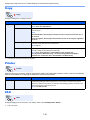
PDF/A-1
•
This setting is valid for PDF, TIFF, and JPEG file formats.
•
Non-numeric characters cannot be entered. If entered number is beyond range, the max/min value
will be restored.
Set PDF/A-1 format type.
Value: Off, PDF/A-1a, PDF/A-1b
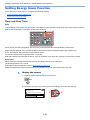
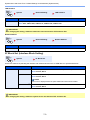
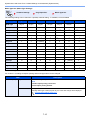
High Compression PDF
Quality
Set the quality level for High Compression PDF.
File separation*1
When this is selected, scanned data is separated into files page by page.
Value: Standard, Compression Ratio Priority, Quality Priority
*1 The optional document processor is required.
7-27