1
Contents
Connections
Playback
Settings
Tips
Appendix
Inputting characters
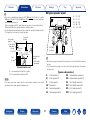
On this unit, you can change the name displayed on the following screens to the names that you prefer.
•Text Search (vpage 103)
•Preset Name (vpage 67)
•Source Rename (vpage 162)
•Friendly Name (vpage 179)
•Zone Rename (vpage 185)
•Character input for the network functions (vpage 70, 77, 81, 88, 91, 180)
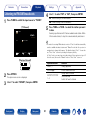
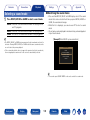
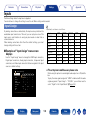
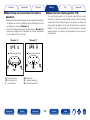
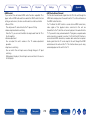
Keyboard screen
1
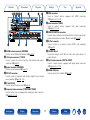
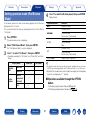
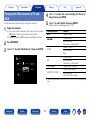
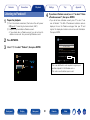
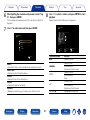
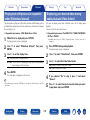
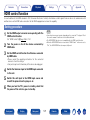
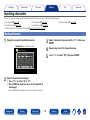
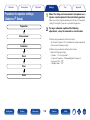
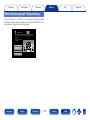
Display the screen for inputting characters.
GExampleH Source Rename screen
Inputs/Source Rename
CBL/SAT
CBL/SAT
Clear
Insert
Delete
J
K
L M
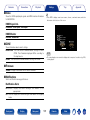
0 1 2 3 4 5 6 7 8 9
!
“
A B C D E
F G H
I
N O P Q R
S
T U V W X Y
(
)
* +
$ % &
a/A
‘
Space
,
;
Cancel
Z
3
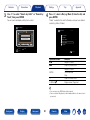
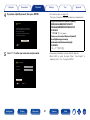
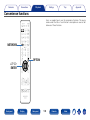
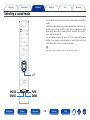
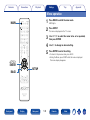
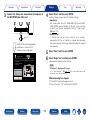
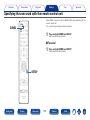
Select a character to be input with uio p then press
ENTER.
4
5
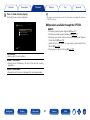
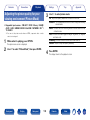
Repeat steps 2 and 3 to change the name.
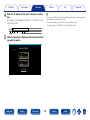
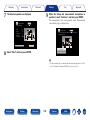
Use uio p to select “OK”, then press ENTER.
#
< = >
OK
Change the display name for this source
2
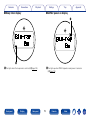
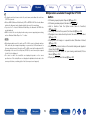
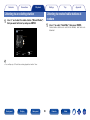
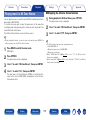
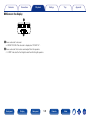
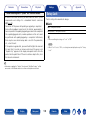
Select a character to be changed.
qUse uio p to select “,” or “.”.
wPress ENTER to place the cursor at the character to
be changed.
Each time ENTER is pressed, the cursor moves by one character.
Front panel
Display
Rear panel
143
Remote
Index