1
Contents
Connections
Playback
Settings
Tips
Setup Lock
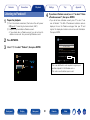
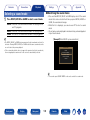
Notes concerning use of “Update” and “Add New Feature”
•In order to use these functions, you must have the correct system
requirements and settings for a broadband Internet connection
(vpage 46).
•Do not turn off the power until updating or upgrading is completed.
•Even with a broadband connection to the Internet, approximately 1
hour is required for the updating/upgrading procedure to be completed.
•Once updating/upgrade starts, normal operations on this unit cannot
be performed until updating/upgrading is completed. Furthermore,
there may be cases where backup data is reset for the parameters,
etc., set on this unit.
•If the update or upgrade fails, press and hold the X on the main unit
for more than 5 seconds, or remove and re-insert the power cord.
“Update retry” appears on the display and update restarts from the
point at which update failed. If the error continues despite this, check
the network environment.
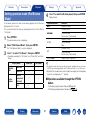
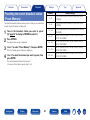
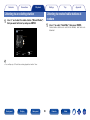
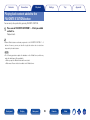
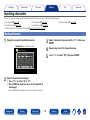
Protect settings from inadvertent changes.
22Lock
On : Turn protection on.
Off (Default) : Turn protection off.
%
•When cancelling the setting, set “Lock” to “Off”.
NOTE
•When “Lock” is set to “On”, no setting items are displayed except for “Setup
Lock”.
%
•Information regarding the “Update” function and “Add New Feature” will be
announced on the Marantz web site each time related plans are defined.
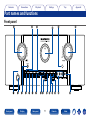
Front panel
Display
Rear panel
Appendix
190
Remote
Index