1
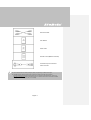
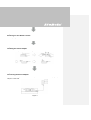
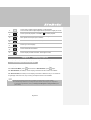
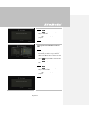
- Press
to play the file at normal (1x)
speed when slow motion, rewind, or
fast-forward is active.
- Press
to stop the playback.
- Press
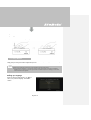
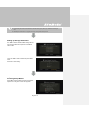
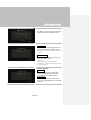
to display the playback
information, including storage disk, recording
resolution, duration, elapsed and remaining
time, and file name.
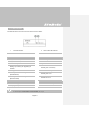
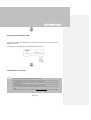
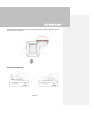
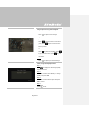
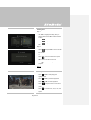
Image Capture During Video Playback
Way 1:
- Press
to capture current image.
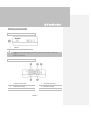
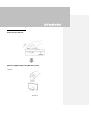
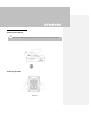
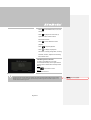
Way 2:
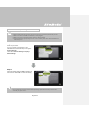
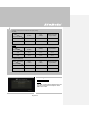
Step 1:
- Press
to play the video in slow motion
(1/2x). Press
again to view the video
frame by frame.
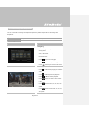
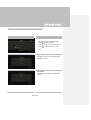
or
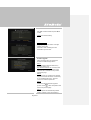
- Press
to pause the playback. Press
to go to previous frame; press
to go to
next frame.
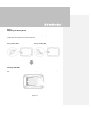
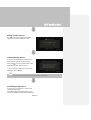
Step 2:
- Press
English-31
to capture your desired image.