1
Telephone calls
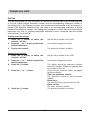
Call waiting
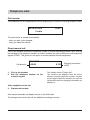
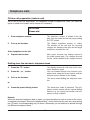
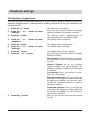
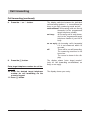
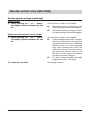
You are holding a telephone conversation while another party is trying to call you. This is indicated by a call waiting signal (two short tones). In addition, the telephone number issuing a call
waiting signal is displayed. Use the arrow buttons to select the desired function or answer the
second call directly by pressing the r button.
You are holding a telephone conversation
and receive another incoming call:
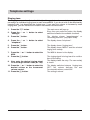
You want to answer the second incoming
call:
1.
Press the r button.
Your current call is placed on hold. You are
connected to the second party. You now have
the option to switch between these two calls
by pressing the r button (2-line conversation
with hold).
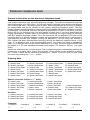
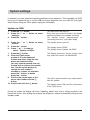
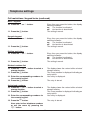
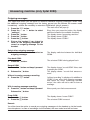
You want to reject the second incoming
call:
1.
2.
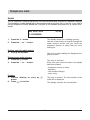
Every time you press the button, the display
switches between the available functions.
Press the n or o button to select the
function "reject".
Press the f button.
The display resumes the normal status.
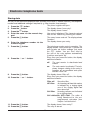
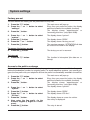
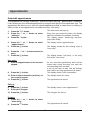
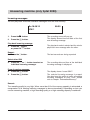
You want to transfer the second incoming
call to your answering machine (only tiptel
2030):
1.
2.
Press the n or o button to select the
function "transfer to answering
machine".
Press the f button.
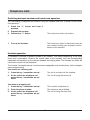
Every time you press the button, the display
switches between the available functions.
The display resumes the normal status. The
caller hears the outgoing message of your
answering machine and has the option to
leave a message.
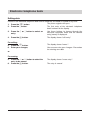
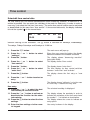
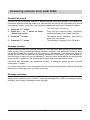
You want to transfer the second incoming
call to another telephone number:
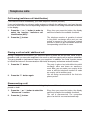
Every time you press the button, the display
switches between the available functions.
2.
Press the n or o button to select the
function "call deflection".
Press the f button.
3.
Press the f button.
The call is being transferred.
1.
The pre-programmed telephone number is
displayed. If required, dial a new telephone
number.
24